Privacy and security · Guide
Who can see your photo
You've added a photo to your profile, and want to know who sees it beside your mail, or to stop showing it.
Your photo can appear beside the mail you send to other Clova users, in place of your initials. You choose whether it does, and people at other providers never see it from Clova.
Who sees it
Other Clova users you write to see your photo beside your mail, in their list on a computer, when all of these are true:
- Show my photo to other Clova users when I email them is ticked, in your profile.
- The mail is from one of your permanent addresses, never from a one-sender, prefix or temporary one.
- The mail passed the checks that prove it came from you, so a forged message never carries your photo.
- You're the only person on your account.
Clova doesn't send your photo with your mail, so people at Gmail and other providers don't see it.
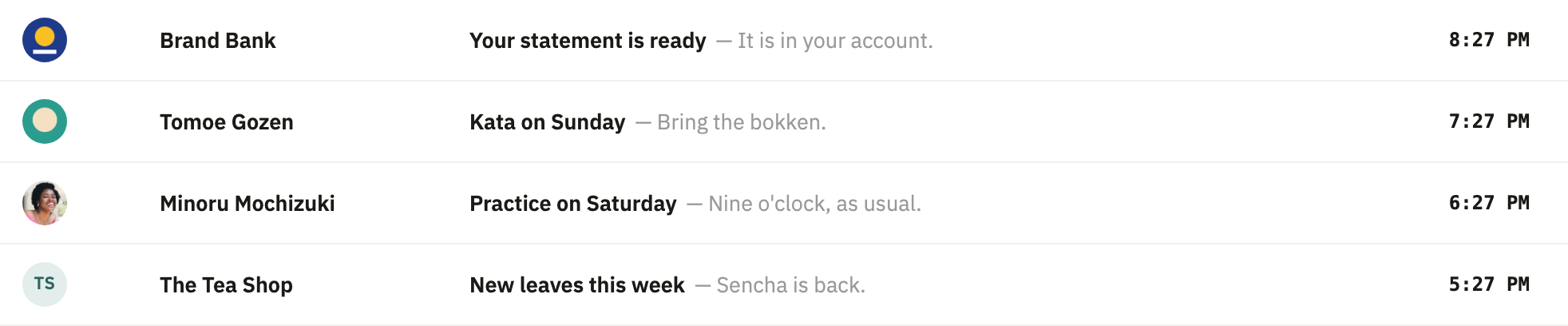
Show or hide it
- Select your name at the foot of the sidebar, or More on a phone, then Profile.
- Under Language, tick Show my photo to other Clova users when I email them to show your photo, or untick it to hide it. It's saved straight away.
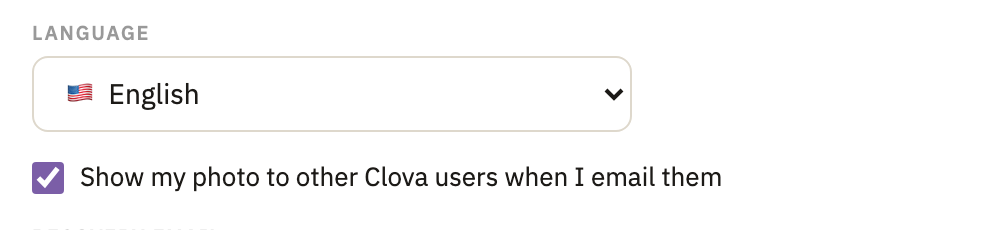
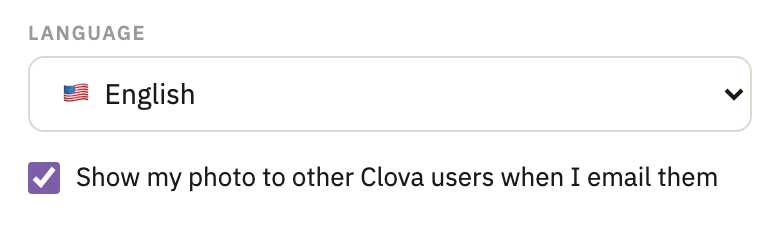
The checkbox is there only while you have a photo.
Good to know
- Where it starts
- A photo you add yourself, when you had none, starts out shown. One brought from your Google account, or one you had before this choice existed, starts out hidden.
- Changing your photo
- The choice you made stays. Removing the photo turns sharing off, and the next photo you add starts out shown again.
- Only you can change this
- A personal access token can't tick or untick the checkbox.
- Other senders' pictures
- For senders who aren't on Clova, Clova's server asks Gravatar for their picture with only a hash of their address. A company's logo is shown only when a certificate vouches for it. More in the privacy policy.
Did this help?
Thank you for telling us.