Account and plans · Guide
The line at the foot of mail you send
Your mail ends with a line saying it was sent from Clova.Email, and you'd like your own line there, or none.
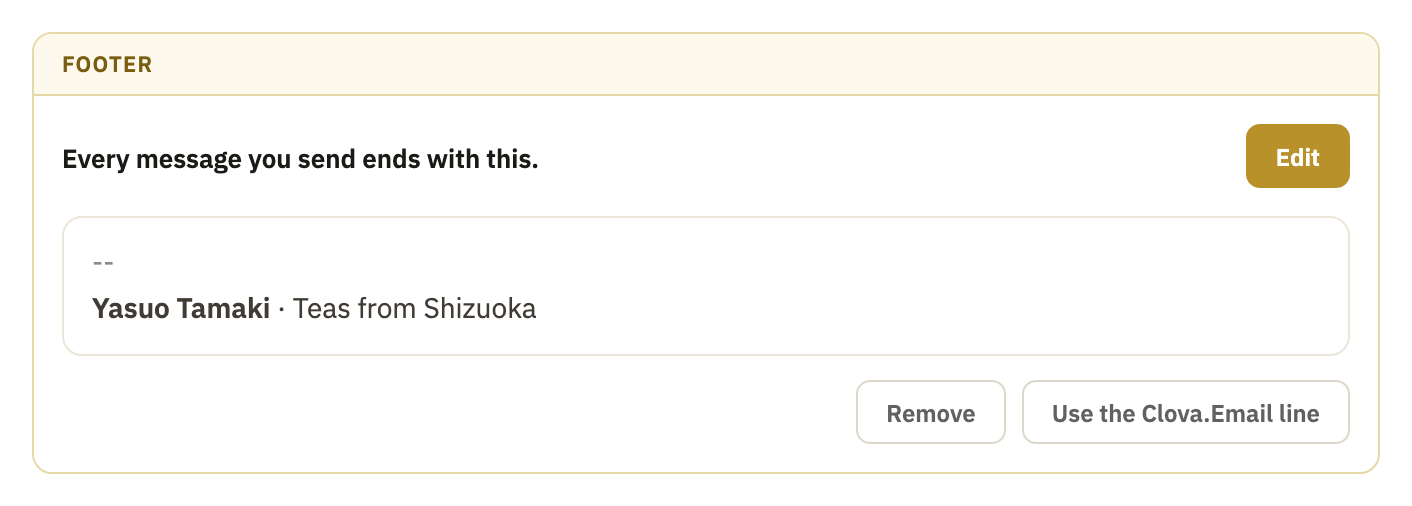
Every message you send can end with a short line under it: the footer. On the Free plan, it's always Clova's own line, “Sent from Clova.Email”, with a link to the site. On Pro and Business, you choose: Clova's line, a line of your own, or none.
Write your own
- Open Settings from the account menu: select your name at the foot of the sidebar, or More on a phone.
- Select Footer.
- Select Edit.
- Type your line. To make words bold, italic or a link, select them, and use the small bar that appears.
- Select Save.
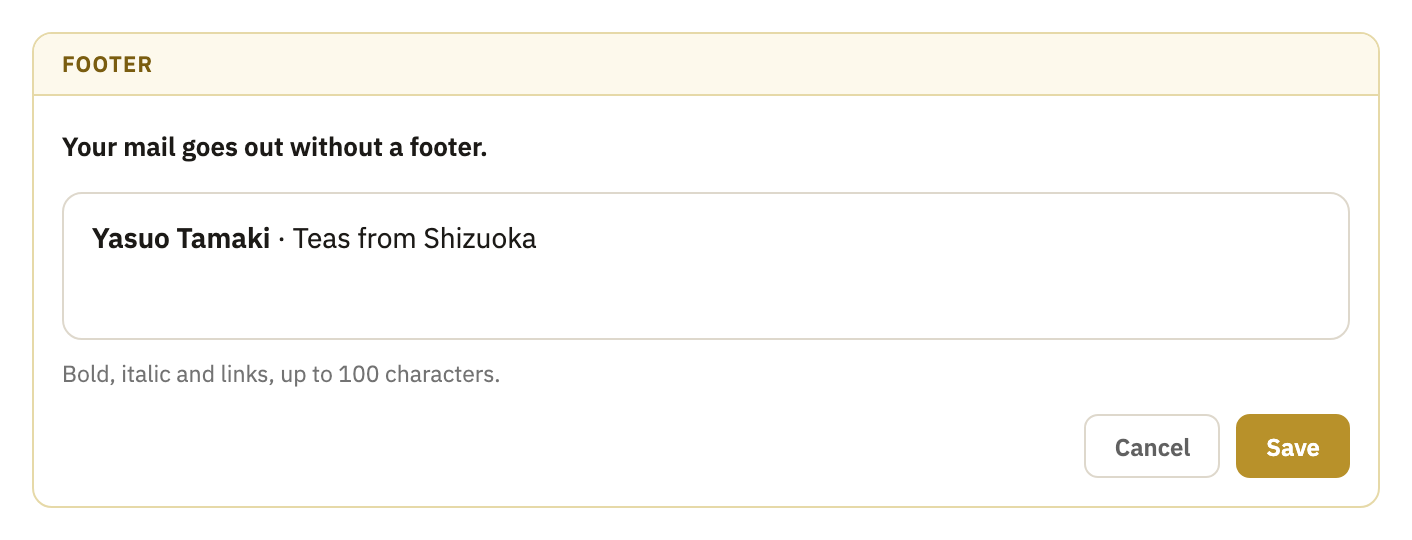
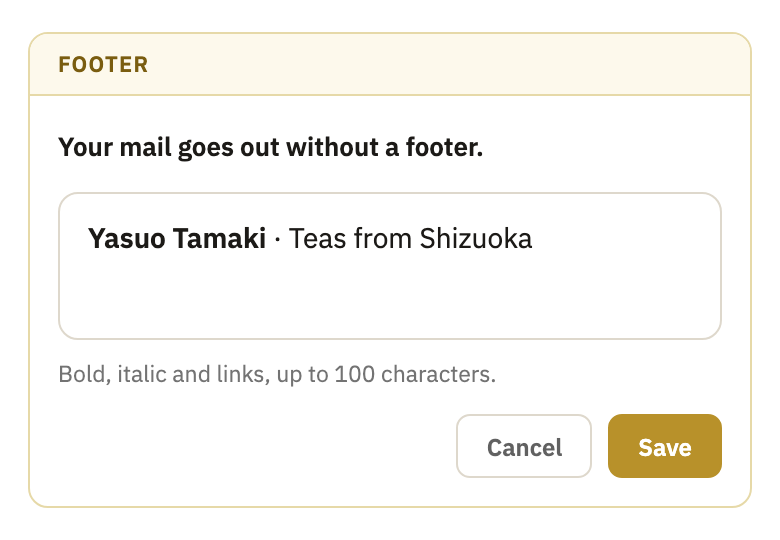
A footer can be up to 100 characters long. A link counts its words, not its address.
Take it off
On the same page, select Remove. The page then says Your mail goes out without a footer.
Go back to Clova's line
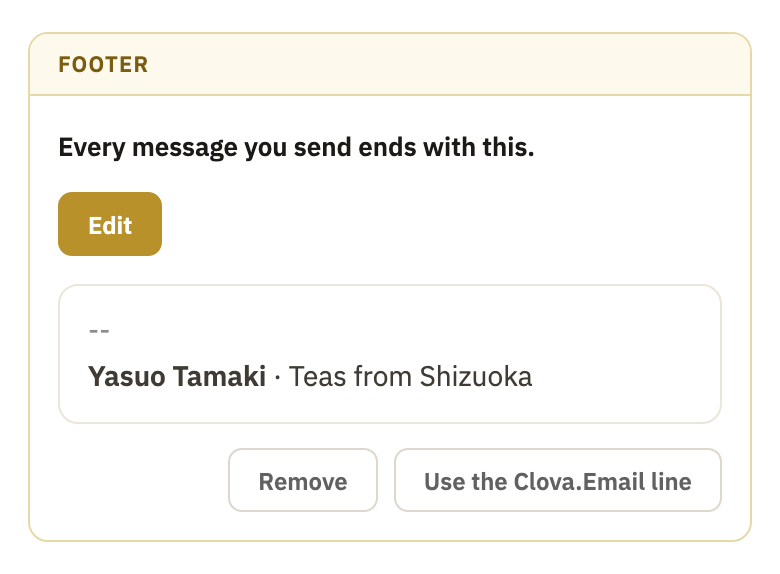
On the same page, select Use the Clova.Email line.
Good to know
- Where it goes
- The footer is added as a message leaves, under a line of two dashes and above any text you're quoting. It isn't in your draft, but the copy in Sent has it.
- On Free
- The line can't be changed. It's written in your language: in Portuguese, “Enviado pelo Clova.Email”. See plans, on the Footer page, opens Plan, in Settings.
- Changing plans
- Back on Free, your mail ends with Clova's line again. Pay again, and your own comes back.
Did this help?
Thank you for telling us.