Inboxes · Guide
Let more senders into a one-sender inbox
Your bank writes from a second domain, or a colleague needs the same address. Let them in, up to five senders in all, and take them off whenever you like.
A one-sender inbox takes mail from the first sender who writes to it, and bounces everyone else. That keeps its address to the one company you gave it to. When someone else should be able to write too, add them to its lock yourself.
Add a sender
- Open the inbox, then its settings with the gear at the top right.
- Next to Locked to, select Edit.
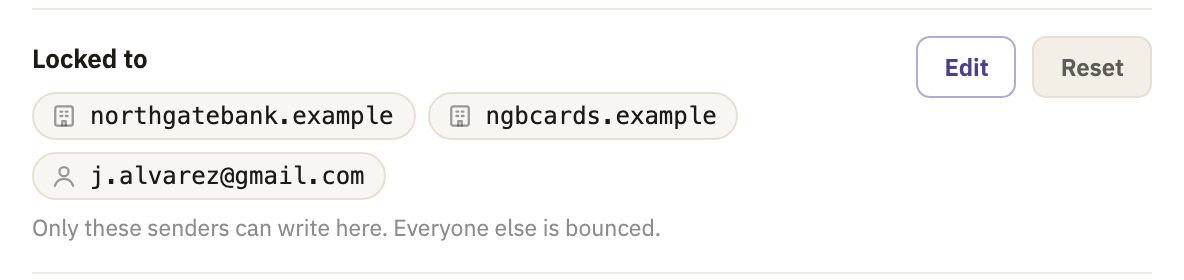

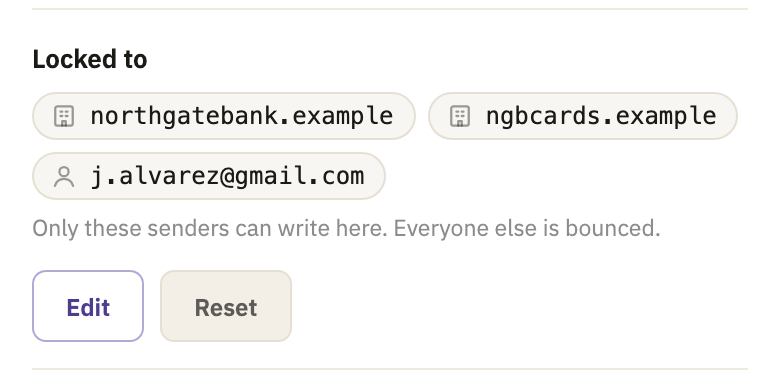

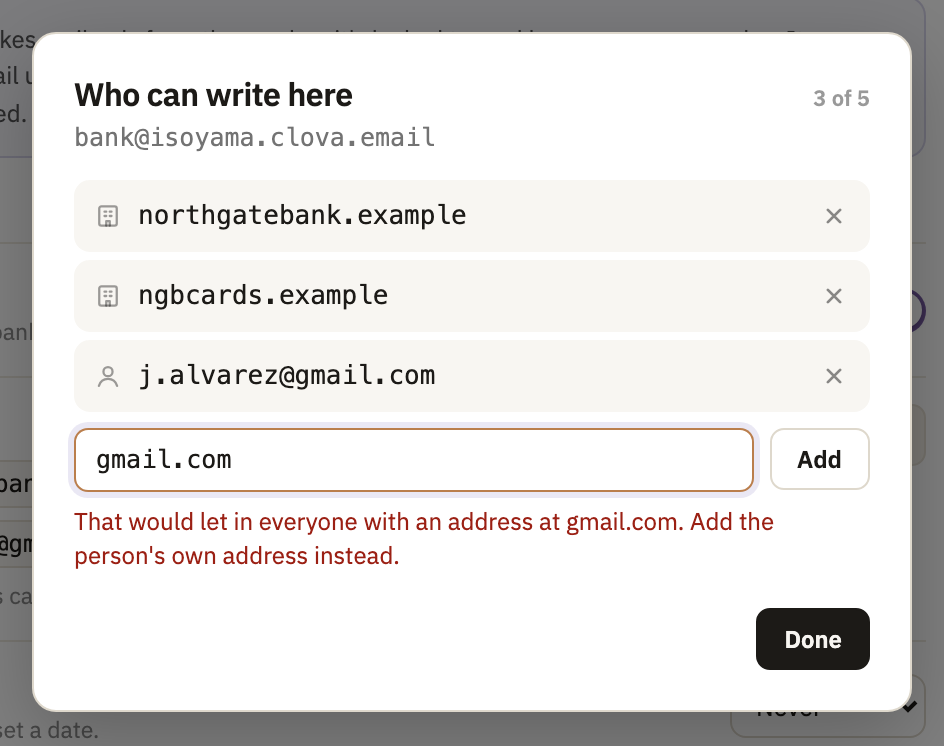
- Type a domain or an email address, and select Add. They can write to the inbox straight away.
- Select Done.
Take a sender off
In the same window, select × next to the sender. Take off the last one, and the inbox locks again to the next sender who writes.
Start over with Reset
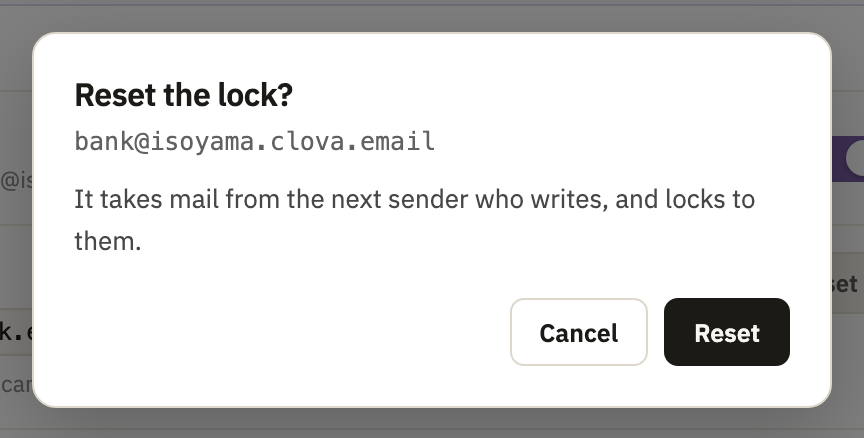
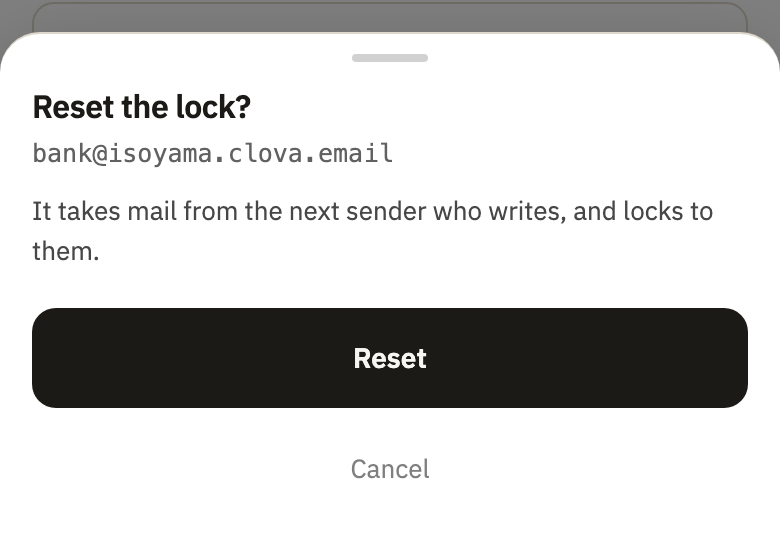
Reset takes every sender off at once, and Clova asks before it does. The inbox then takes mail from the next sender who writes, and locks to them.
Good to know
- A domain covers its whole company
- Adding
northgatebank.examplealso lets innews.northgatebank.example. Addnews.ngbcards.example, and the lock keeps it asngbcards.example, the company it belongs to. - Shared providers take an address
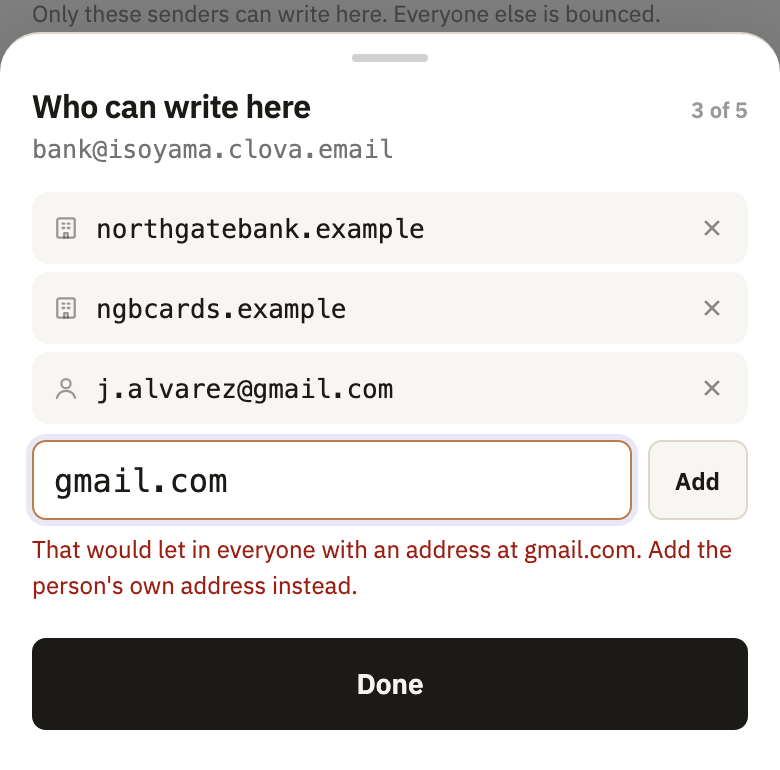
- Gmail, Outlook and the like can't be added whole, since that would let in everyone with an address there. Add the person's own address instead.
- Five senders at most
- An inbox that needs more has outgrown being one-sender. A permanent address takes mail from anyone.
- The header says who can write
- On a computer, an inbox's header names its one sender. With more than one, it says Locked to multiple senders.


Did this help?
Thank you for telling us.