Mail · Guide
Use a code or link a site sends you
A site has sent you a code to type in, or a link to confirm your address, and you want it without looking through the message.
When a site sends you a code to type in, or a link to confirm your address, sign in or reset your password, Clova finds it as the message arrives. You can copy the code or open the link without looking through the message for it.
Copy a code
On a computer, the code is on its message's row, before the time.
- Select the code. It's copied, and the row says Copied for a moment.
- Paste it into the site.

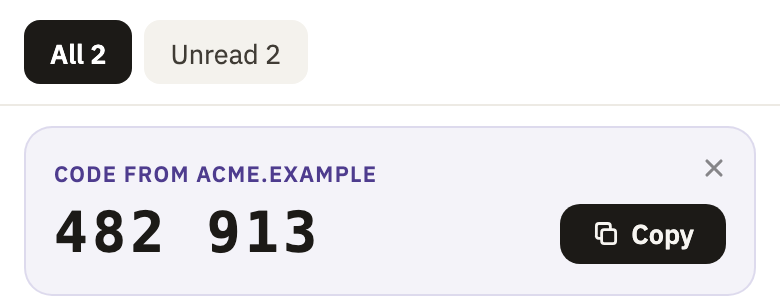
On a phone, the newest code is at the top of the list, whichever inbox you have open. Select Copy.
Open a link
A link says what it does: Confirm, Sign in or Reset. Select it, and the site opens in a new tab.
In the message
Open the message, and the code or link is above it, with the time it's good until.
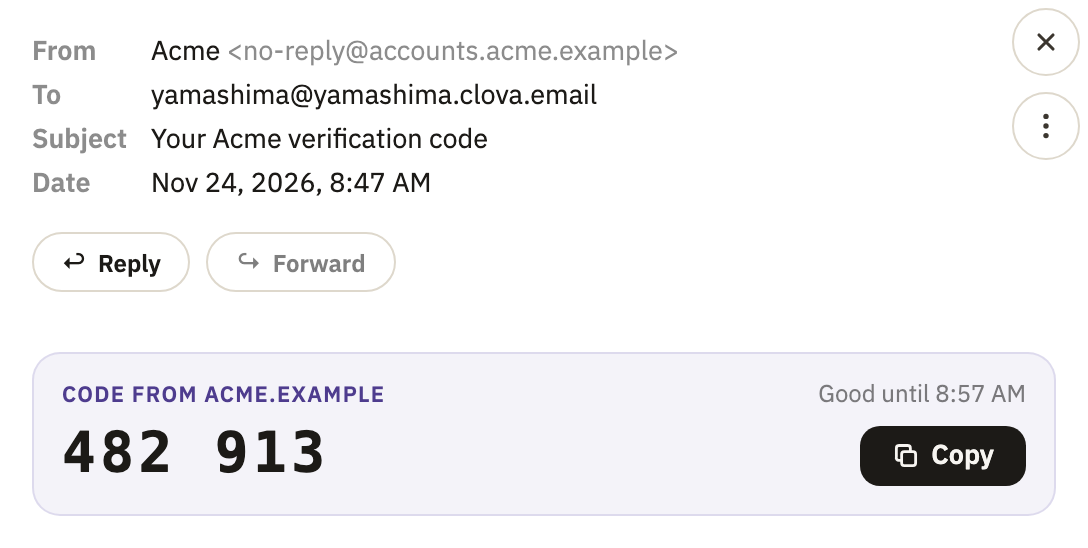
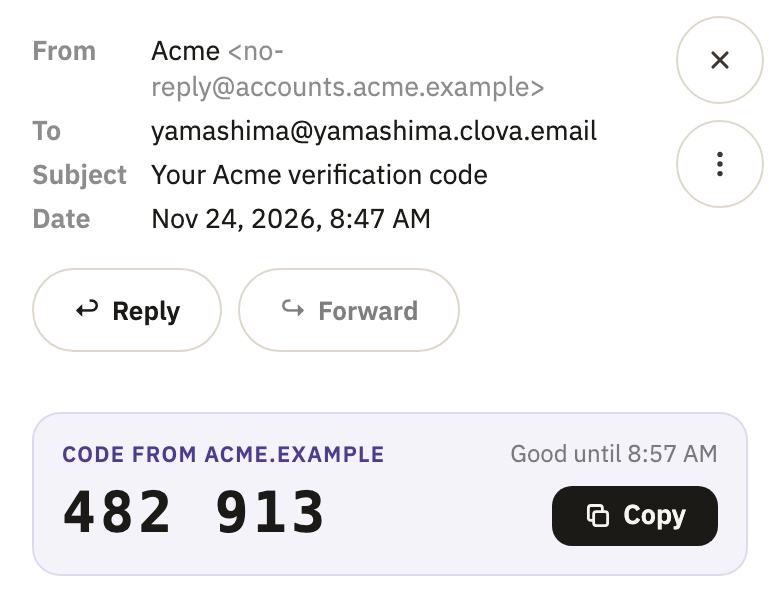
When Clova isn't sure it has found the code, the message asks Is this the code?, and the list shows nothing.
Put it away on a phone
At the top of the list, select ×. It's put away on every list on that phone, and only a newer code or link shows there.
Good to know
- Shown for a while
- Until the time the message says the code expires, or for an hour, and never more than a day.
- Links come from where you signed up
- A link to confirm an address is shown only for mail to an address made for that site, or to a new address. A sign-in link is shown for mail to any address.
- Never opened for you
- Clova never opens a link itself. A link opens only when you select it.
- Not in spam
- Nothing is shown for mail in your spam folder, or for mail whose sender failed its checks.
Did this help?
Thank you for telling us.