The Safari extension · Guide
Sign up somewhere with a new address in Safari
A site wants your email to sign you up, and you'd rather give it an address of its own than the one you use everywhere, on your Mac or your iPhone.
On a form that signs you up, whether for an account, a newsletter or an order, Clova for Safari offers a new address from your account, made for that site alone. It works the same on a Mac and on an iPhone.
Use a new address
- Select the form's email field. A Clova mark appears in the field, with a card under it: New temporary address, and the address. On an iPhone, the card sits above the keyboard.
- Choose how long it takes mail: 24 hours, or 1 hour, 7 days or 30 days. For a site you want to keep hearing from, select One-sender instead: it takes mail from the first sender who writes, with no end date.
- Select Use it. The address goes into the field. On a Mac's keyboard, press the down arrow, then Return.
- Fill in the rest of the form, and send it.
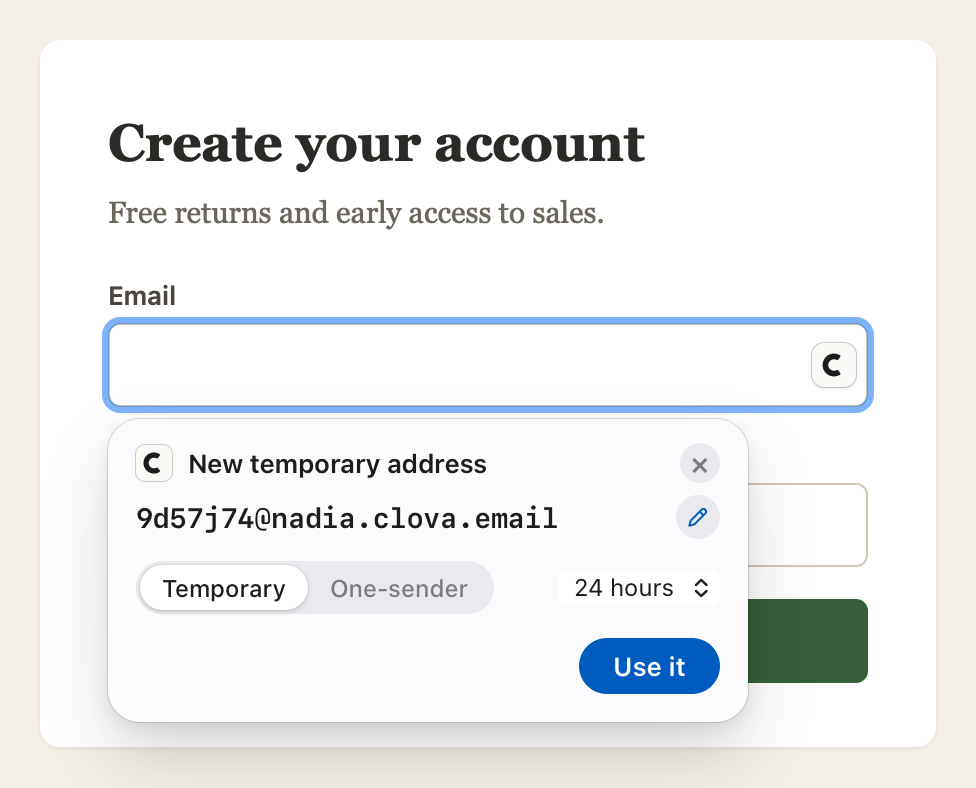
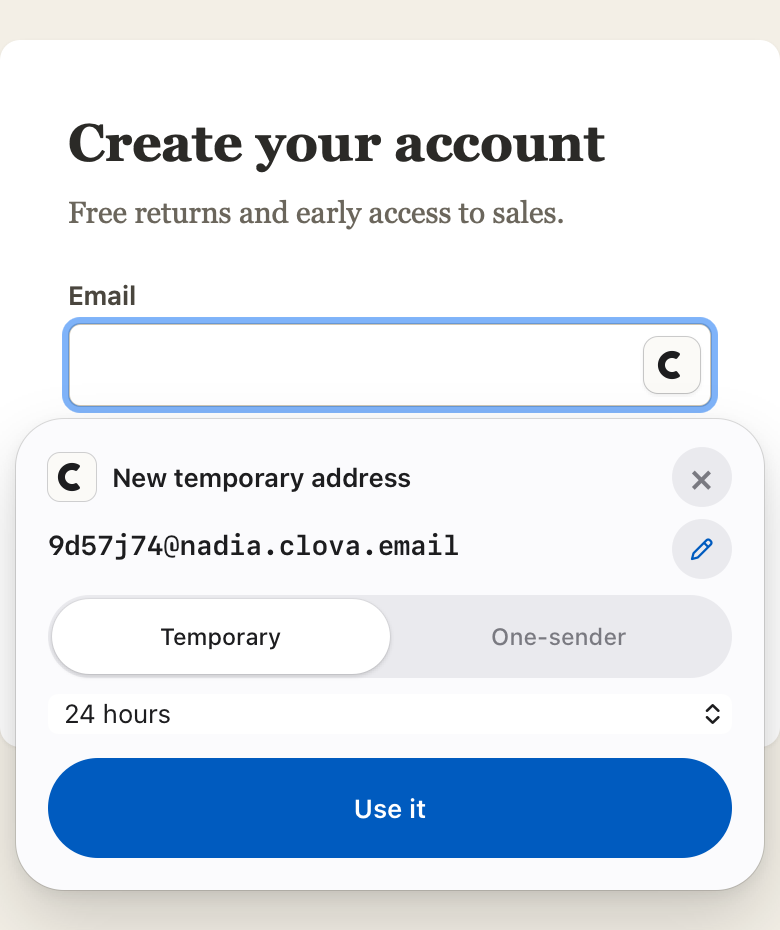
The address is made when the form is sent, and joins your inboxes. If you leave without sending the form, nothing is made.
Choose the name
A temporary address gets a name of random letters and numbers. A one-sender address is named after the site, when that name is free: economist on economist.com.
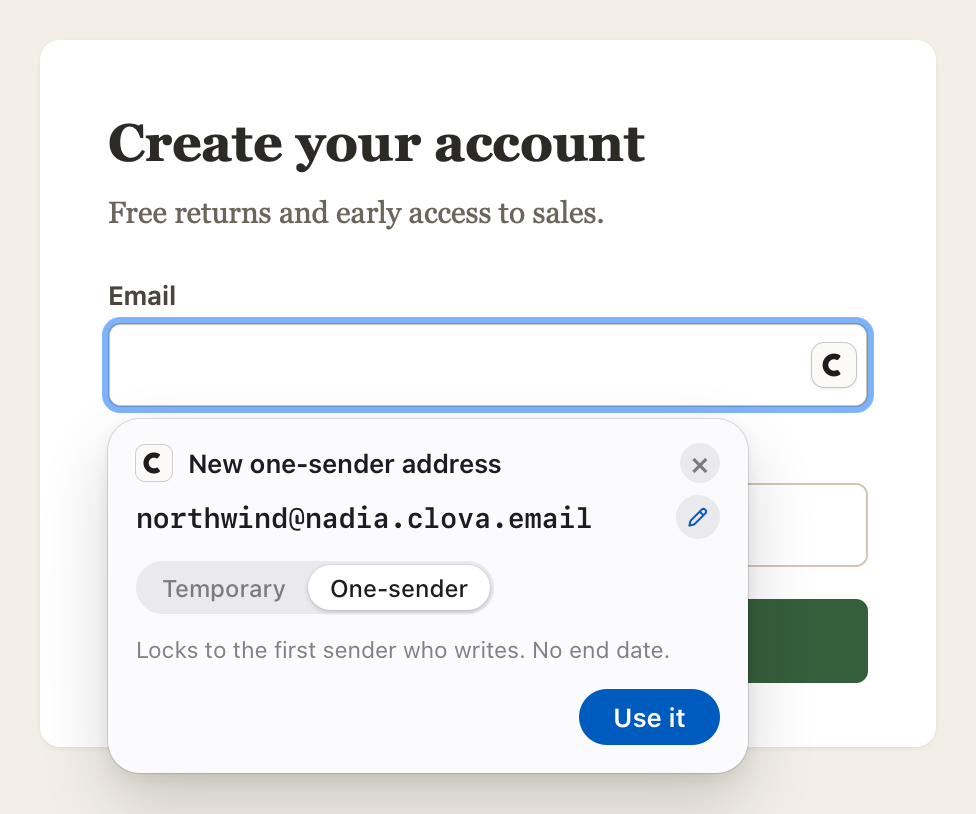
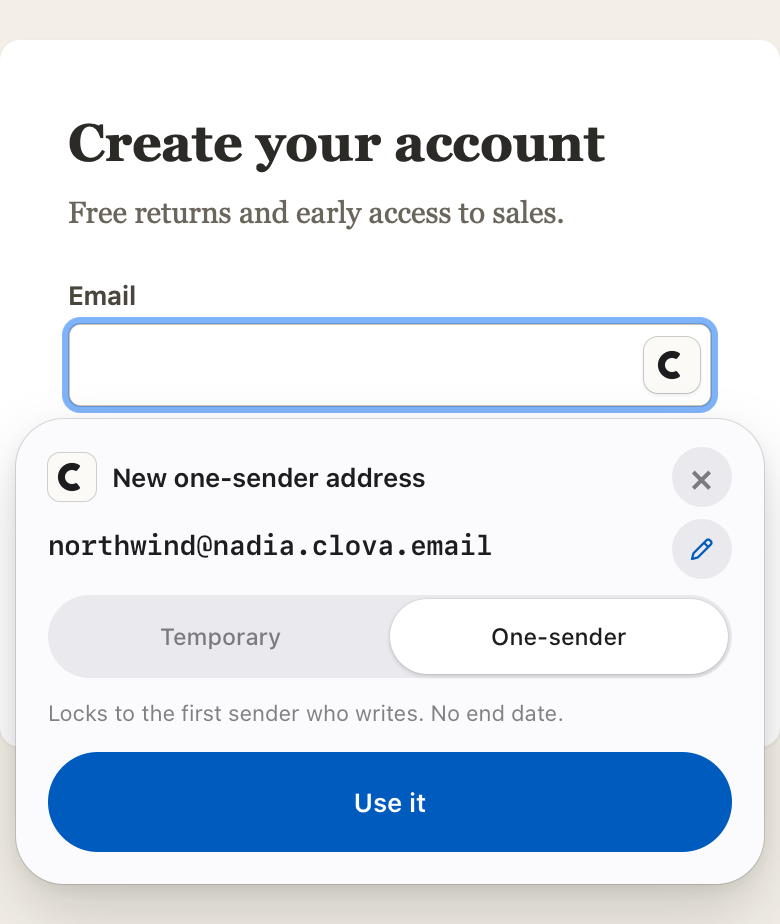
To give it another name, select the pencil beside the address, type the name, and press Return, or select ✓. Clova checks that it's free first: Use it waits until it is, and the card says if it's taken. Escape leaves the name as it was.
Log in later
- Select the email field of the site's log-in form. The card offers the address made for it: Your address for northwind.example.
- Select Use it.
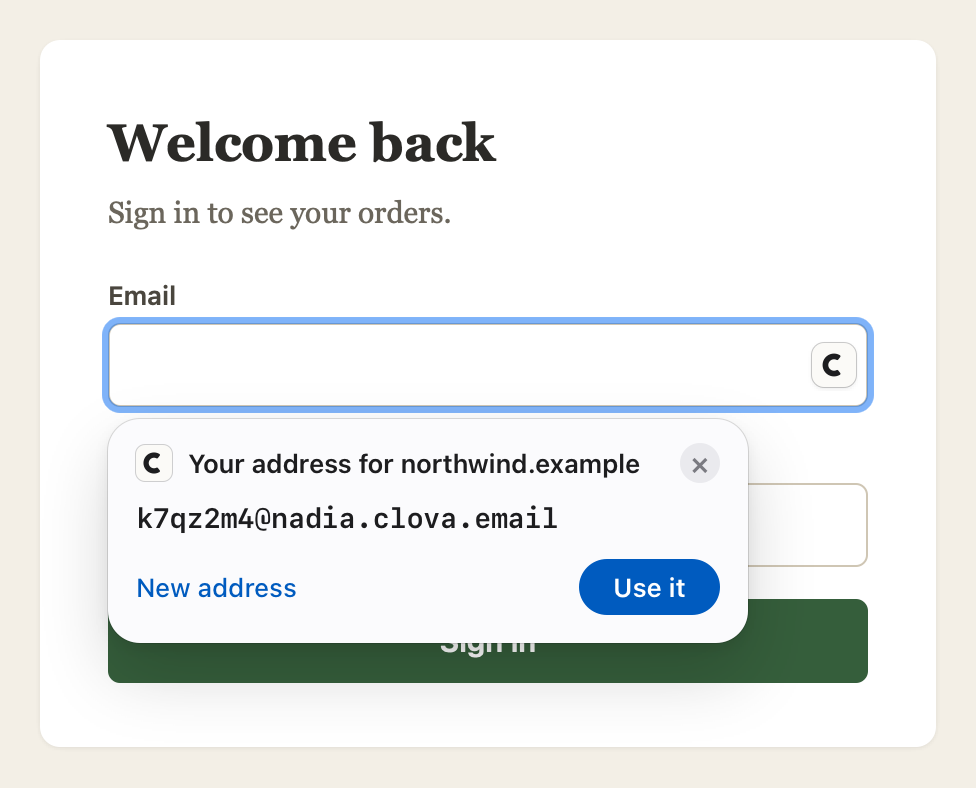
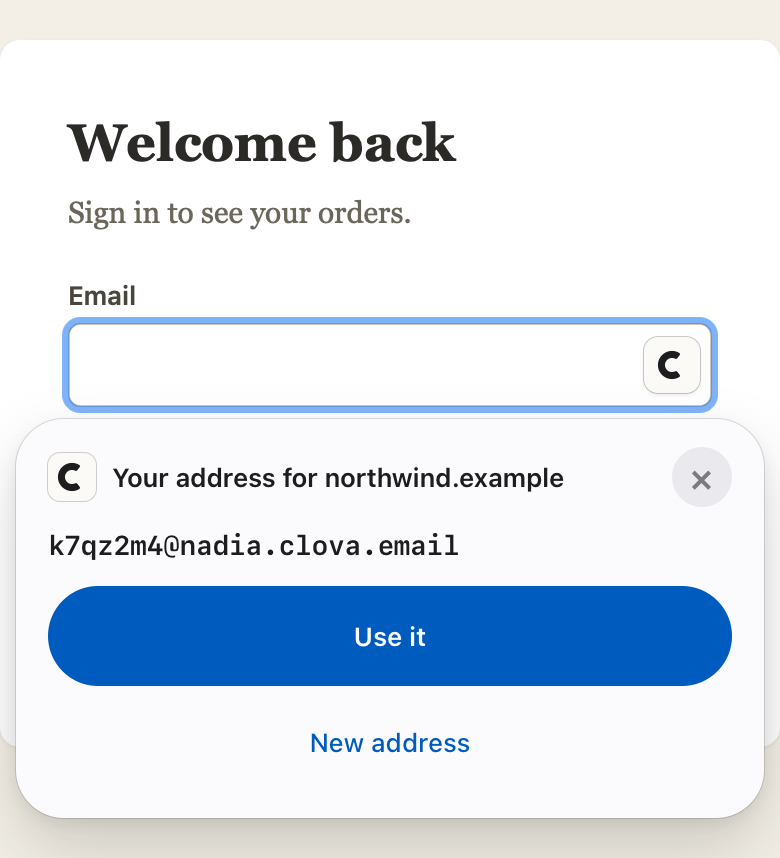
The site's sign-up form offers that address too. To give it another, select New address.
Good to know
- The site
- Is the site's domain: an address made on shop.nyt.com is for nyt.com. The top of the inbox says so: Made for nyt.com via the browser extension.
- Only when you choose
- The extension never fills a field by itself, and never makes an address before the form is sent.
- Mail that's quicker than the form
- A site may write before the address is made. For half an hour after the card offers a name, mail to it is asked to try again later, and arrives once the address exists.
- How many
- A site gets at most 5 new addresses a day, and the extension makes at most 10 an hour.
- A temporary address
- Stops taking mail when its time is up. Switch it off, or change its end date.
Did this help?
Thank you for telling us.