Inboxes · Guide
Switch an inbox off, or give it an end date
You don't need an address for now, or only until a certain day. Stop its mail, keep what it already has, and switch it back on later.
Switching an inbox off stops new mail at once, and keeps the mail that's in it. An end date does the same on a day you choose.
Switch it off
- Open the inbox, then its settings with the gear at the top right.
- Under Status, switch Enable off.

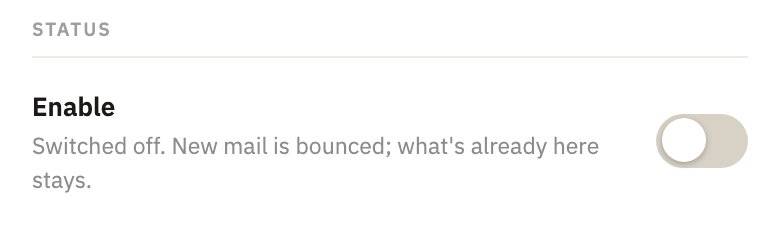
- Select Apply, at the bottom.
From then on, mail sent to it is turned away, and the sender's mail server tells them the inbox has expired. In the sidebar, a permanent address or a prefix that's off says off.
Give it an end date
A one-sender inbox, a prefix and an address under a prefix take mail until you switch them off. To have one stop on a day you choose:
- Open the inbox, then its settings with the gear at the top right.
- Next to Expires, select when it should stop: from In 1 day to In 1 year, or Custom… for up to 365 days.

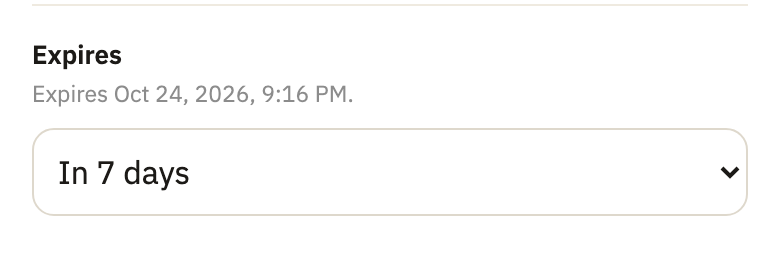
- Select Apply.
Never takes the end date away again. A permanent address has no end date, only on and off, and a temporary inbox always has one: see Give it more time.
Delete its mail when it ends
A one-sender or temporary inbox, or an address under a prefix, can also delete its mail after it ends. When it expires appears in its settings once it has an end date, or is switched off.
- Under When it expires, switch Delete the mail too on.
- Next to Delete it, select Immediately, or how many days after the end.
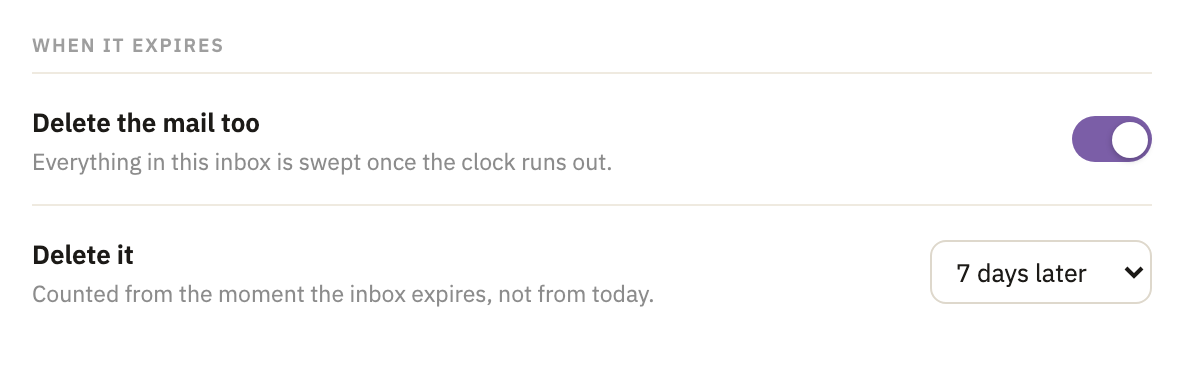
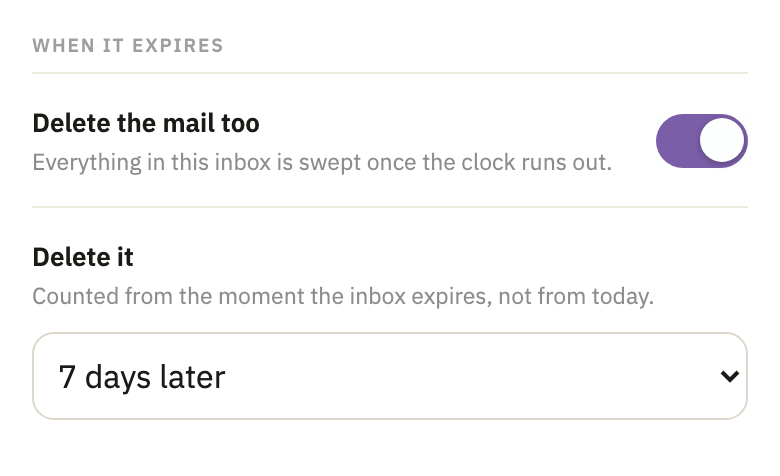
- Select Apply.
Switch it back on
In its settings, switch Enable back on, and select Apply. A temporary inbox then runs for 7 days from now, which you can change first. A permanent address or a prefix needs room on your plan to come back on.
Good to know
- A prefix's addresses go with it
- When a prefix is switched off, or its end date comes, every address under it stops too, whatever its own settings say.
- Permanent addresses and prefixes wait
- However long they're off, they stay in the sidebar, ready to switch back on.
- One with mail in it stays
- A one-sender inbox that's off keeps its lock and its place in the sidebar for as long as it has mail in it.
Did this help?
Thank you for telling us.