Inboxes · Guide
Temporary inboxes, and what happens to their mail
You need an address for a day or a week, for a receipt, a sign-up or a trip. Choose how long it lasts, and whether its mail goes when it ends.
A temporary inbox has an end date. Until then it takes mail from anyone, and after it new mail is bounced. The mail already in it stays, unless you chose to have it deleted.
Make one
- Select New inbox. On a phone, it's the round + at the bottom of the screen.
- Under Used for, select Receipts or Throwaway:
- Receipts lasts 24 hours, and keeps its mail.
- Throwaway lasts 7 days, and its mail is deleted soon after it ends.
- Keep the name it suggests or type your own, and select Let's Go.
To choose how long it lasts, select + next to Temporary in the sidebar instead. Give it up to 720 hours, which is 30 days; on a phone, select one under Lifespan. To have its mail deleted when it ends, tick Delete all email when the inbox expires.
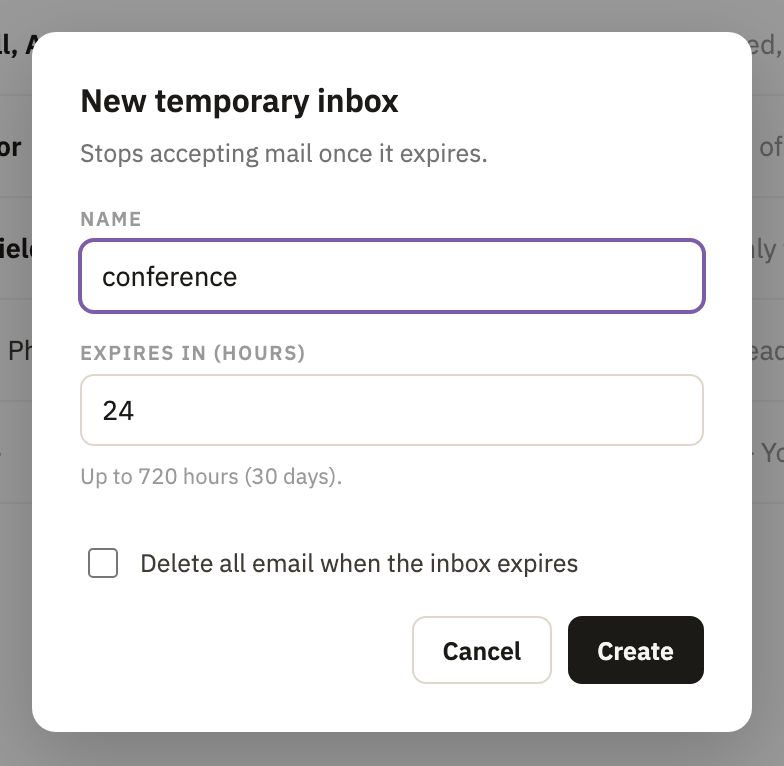
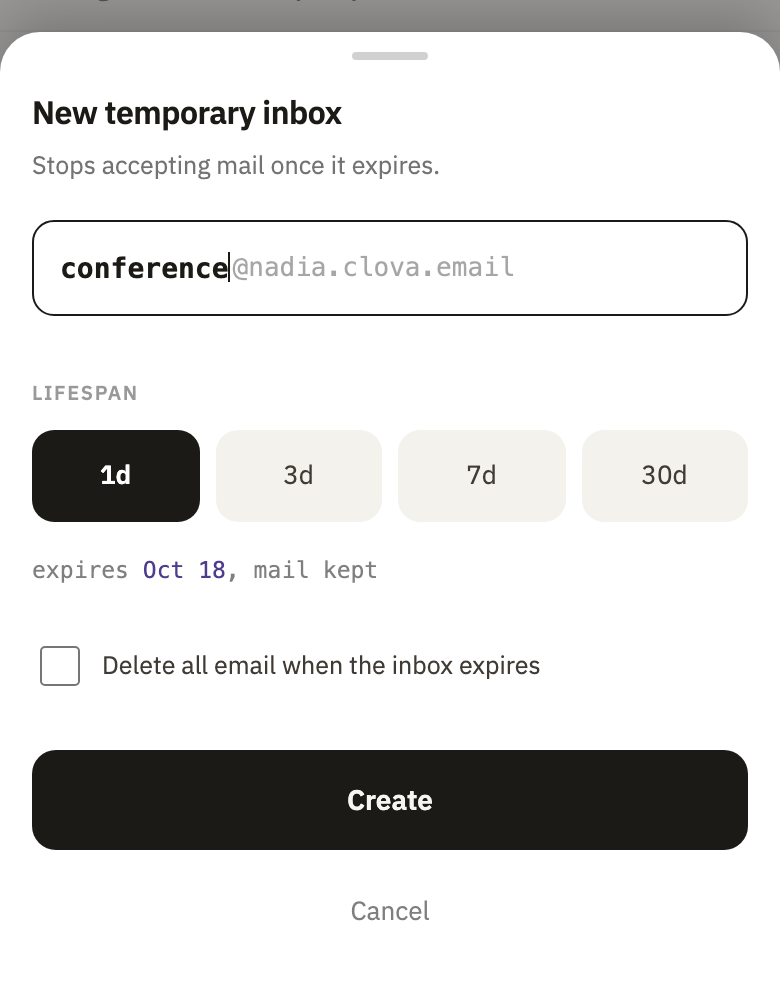
When it ends
- Mail sent to it is turned away, and the sender's mail server tells them the inbox has expired.
- Its mail stays, unless it was set to be deleted: then it goes soon after the end, or the number of days later you chose.
- In the sidebar, the time left beside its name, such as 3h or 2d, becomes expired.
- Once it has ended and has no mail left, it's deleted soon after, and leaves the sidebar. You can still bring its address back.
Give it more time
- Open the inbox, then its settings with the gear at the top right.
- Next to Expires, select a new end, counted from now: from In 1 day to In 1 year, or Custom… for up to 365 days.

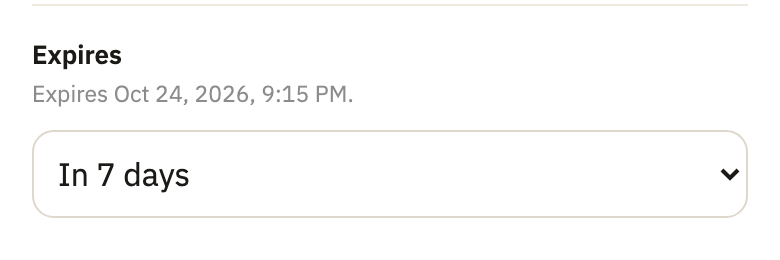
- Select Apply, at the bottom.
If it has already ended, switch Enable back on first. It then gets 7 days, which you can change before you select Apply.
Keep or delete its mail
- In the inbox's settings, under When it expires, switch Delete the mail too on, or off to keep the mail.
- If it's on, next to Delete it, select Immediately or how many days after the end.
- Select Apply.
Good to know
- It always has an end date
- You can move it, but not take it away. For an address with none, make a permanent address or a one-sender inbox.
- Kept mail keeps the inbox
- An inbox that ended with its mail kept stays in the sidebar, marked expired, until you delete its mail or the inbox.
Did this help?
Thank you for telling us.