Inboxes · Guide
Delete an inbox, and bring an address back
You're done with an address and want its mail gone. Delete the inbox, and if you need the address again one day, take it back.
Deleting an inbox stops its address and deletes its mail for good. The address itself stays yours: make an inbox with the same name, and Clova offers to bring it back, empty.
Delete an inbox
- Open the inbox, then its settings with the gear at the top right.
- At the bottom, under Danger Zone, select Nuke Inbox. For an address under a prefix, it's Nuke Address.
- Read what will happen, and select I agree, nuke it.
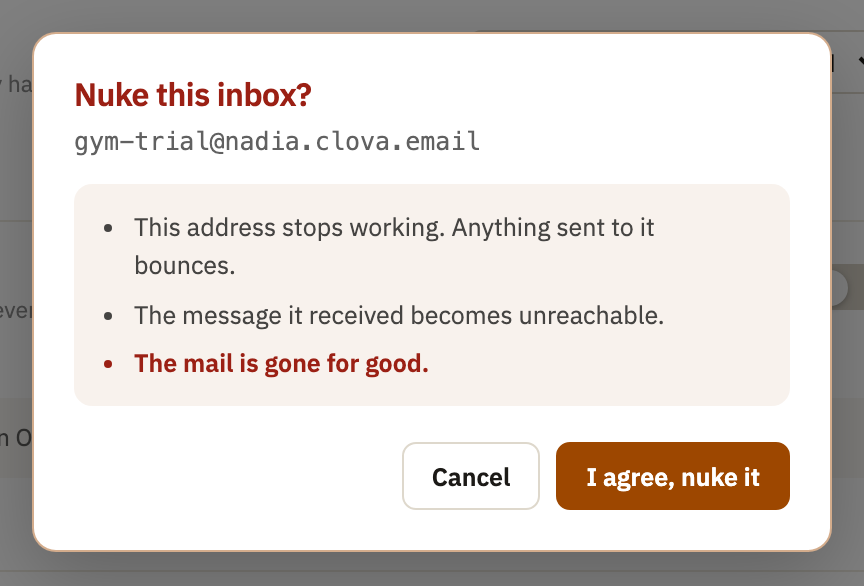
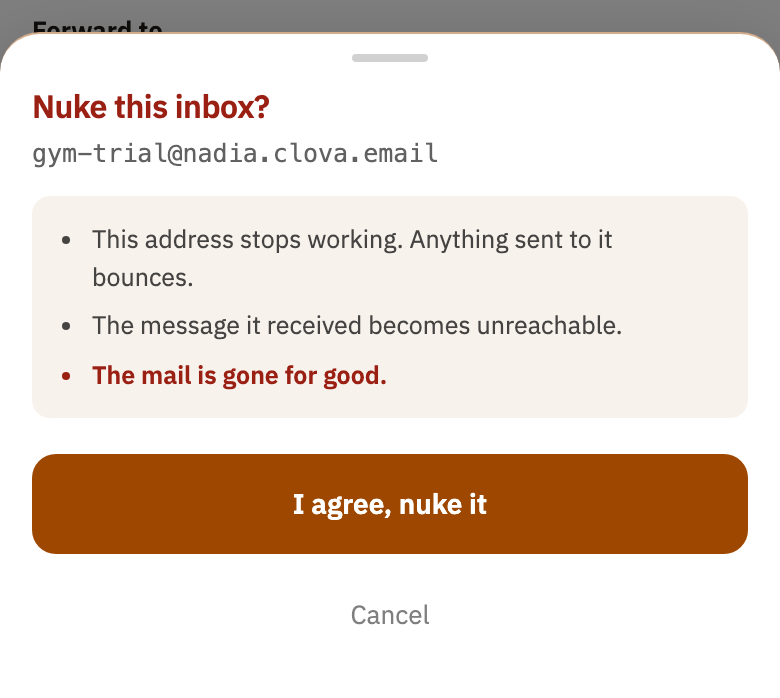
The inbox leaves the sidebar, and its mail goes from your lists at once. Mail sent to the address from then on is turned away, and the sender's mail server tells them there's no such inbox.
Bring an address back
- Select New inbox, or the + next to the section of the kind you want it to be.
- Type the same name, and select Let's Go, or Create.
- Clova says when the inbox was deleted. Select Resurrect it.
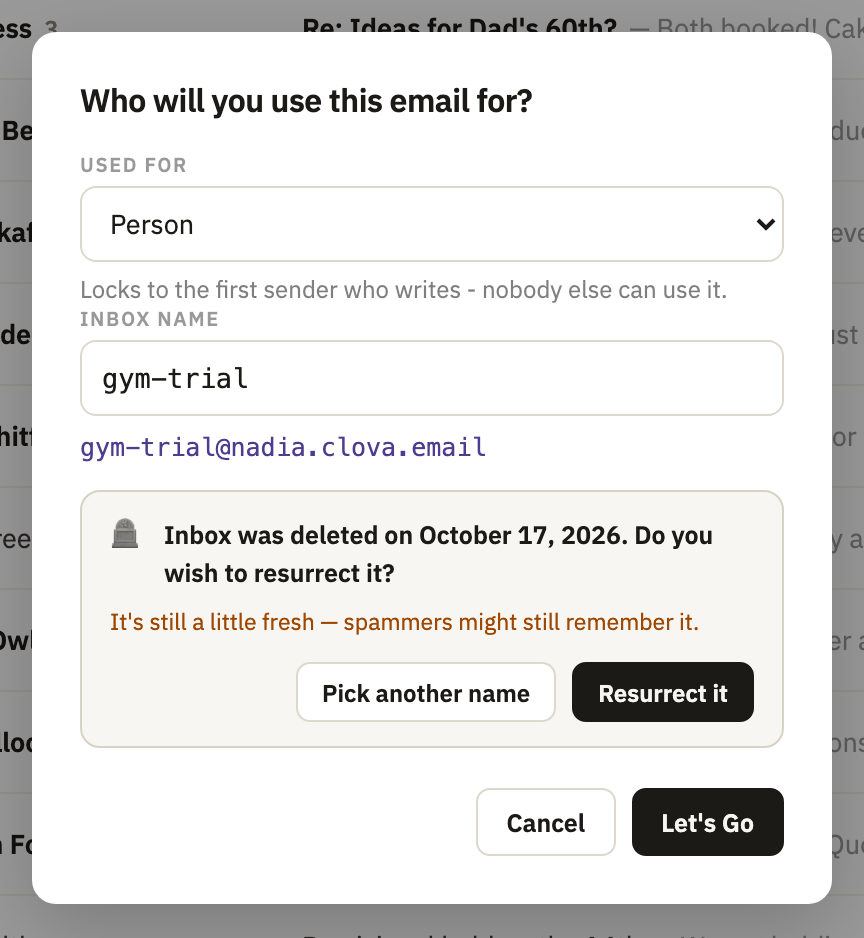
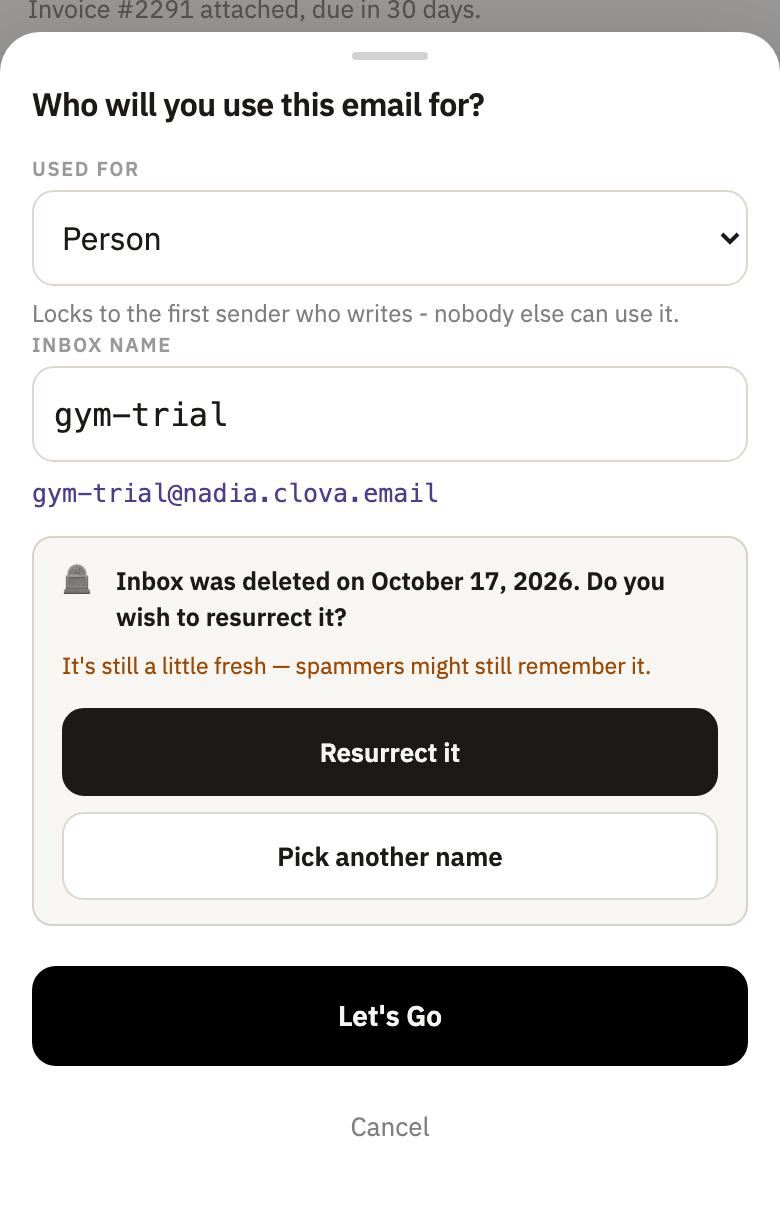
It comes back as the kind of inbox you were making, with that kind's end date, if it has one. It comes back unlocked, too: a one-sender inbox locks again as a new one does. Its old mail doesn't come back.
Good to know
- No time limit
- An address can be brought back however long ago it was deleted. If that was less than a year ago, Clova warns that spammers may still have it.
- An address under a prefix
- Deleting it stops the prefix from making it again: mail to it is refused, and the rest of the prefix carries on. It still counts toward the prefix's 50. Brought back while its prefix is there, it returns under it.
- A prefix
- Deleting a prefix stops every address under it, and they leave the sidebar with it. To stop one address and keep the rest, delete that address instead.
- Your last permanent address
- Every account keeps at least one, so the last one can be switched off, but not deleted.
- The same rules as a new inbox
- Bringing back a permanent address or a prefix needs room on your plan. A prefix still needs at least 5 characters, and can't overlap another.
Did this help?
Thank you for telling us.