Account and plans · Guide
Export all your mail
You want a copy of everything in your account to keep somewhere else, or to take to another mail program.
An export is a copy of your whole account, as one zip file: your mail with its attachments, your drafts, your spam and your contacts. Clova makes it in the background and keeps it for 7 days. You can make one on any plan.
Make an export
- Open Settings from the account menu: select your name at the foot of the sidebar, or More on a phone.
- Select Account.
- Under Export your mail, select Export.
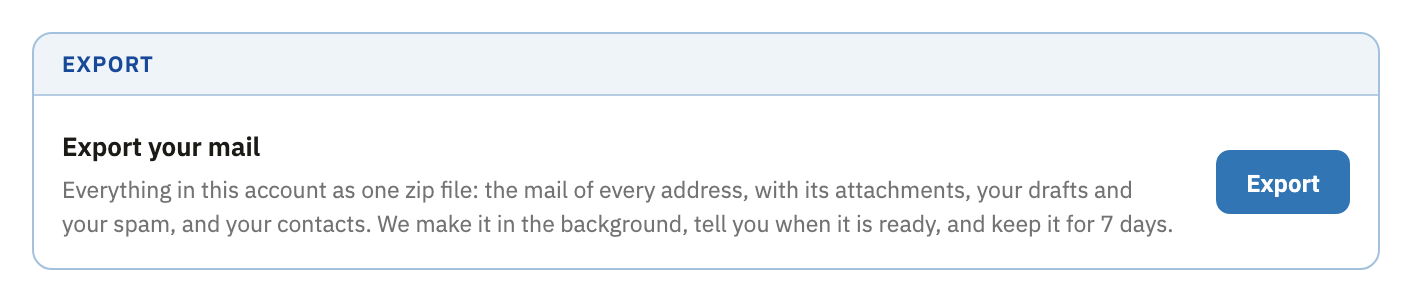
You can leave the page while it's made. A notice says Your export is ready. when it's done.
Download it
- In Settings, under Account, select Download.
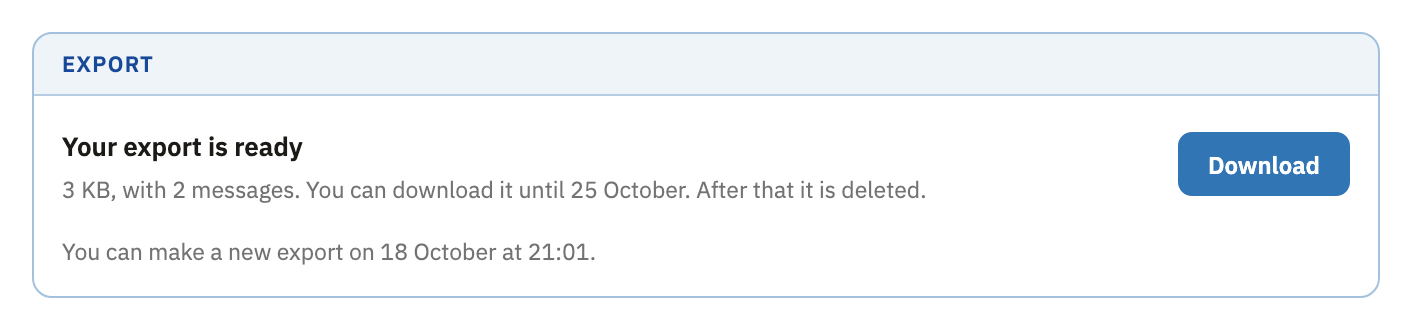
- If your browser asks where to save it, choose a place. Otherwise it goes with your other downloads.
On a phone, Clova asks Download to this phone? first, since the file can be large, and the mail in it needs a mail program on a computer. Select Download anyway to carry on, or Not now.
Open what's inside
The zip holds:
- in the
mailfolder, a file for each of your addresses that holds mail, with every message's attachments inside it, and your drafts and spam, if you have any, indrafts.mboxandspam.mbox; inboxes.csv, which lists your addresses: their kind, when each was made, and who it's locked to;contacts.csv, your contacts;README.txt, in English, which explains all of this.
The mail files are in mbox format, which most mail programs can import. Thunderbird and Apple Mail can. To move your mail to Gmail or Outlook, import it into Thunderbird first. The CSV files open in any spreadsheet.
Good to know
- Kept for 7 days
- After that, the export is deleted.
- One a day
- You can make a new export 24 hours after the last one. It takes the last one's place.
- While your account is closing
- You can still export your mail in the 30 days after you close your account. Close your account
Did this help?
Thank you for telling us.