Account and plans · Guide
Close your account
You're done with Clova and want your account and its mail gone, with time to change your mind.
You close your account yourself, in Settings. For 30 days after that, mail keeps arriving and you can change your mind. Then every inbox and every message is deleted.
Close it
- Open Settings from the account menu: select your name at the foot of the sidebar, or More on a phone.
- Select Account.
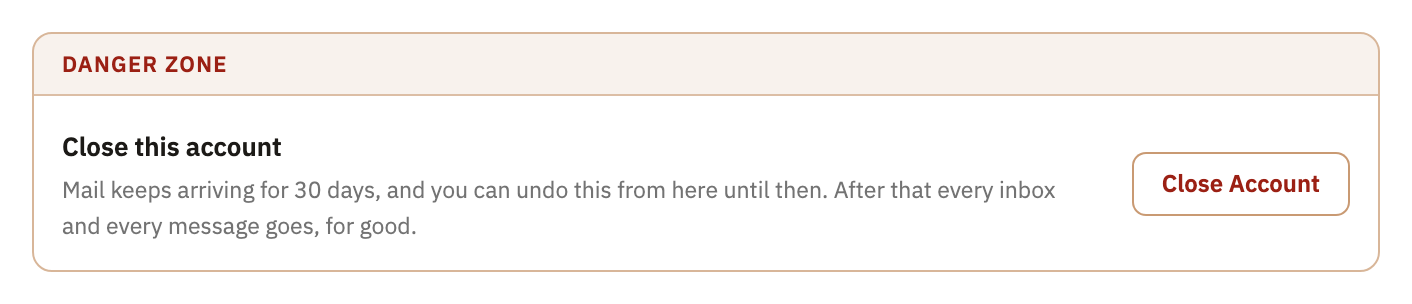
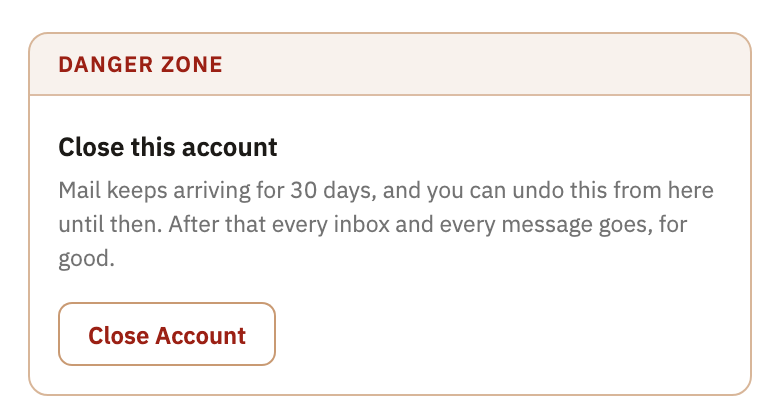
- In the Danger Zone, at the bottom, select Close Account.
- Type your account's name, as the window shows it in bold.
- Select Close my account.
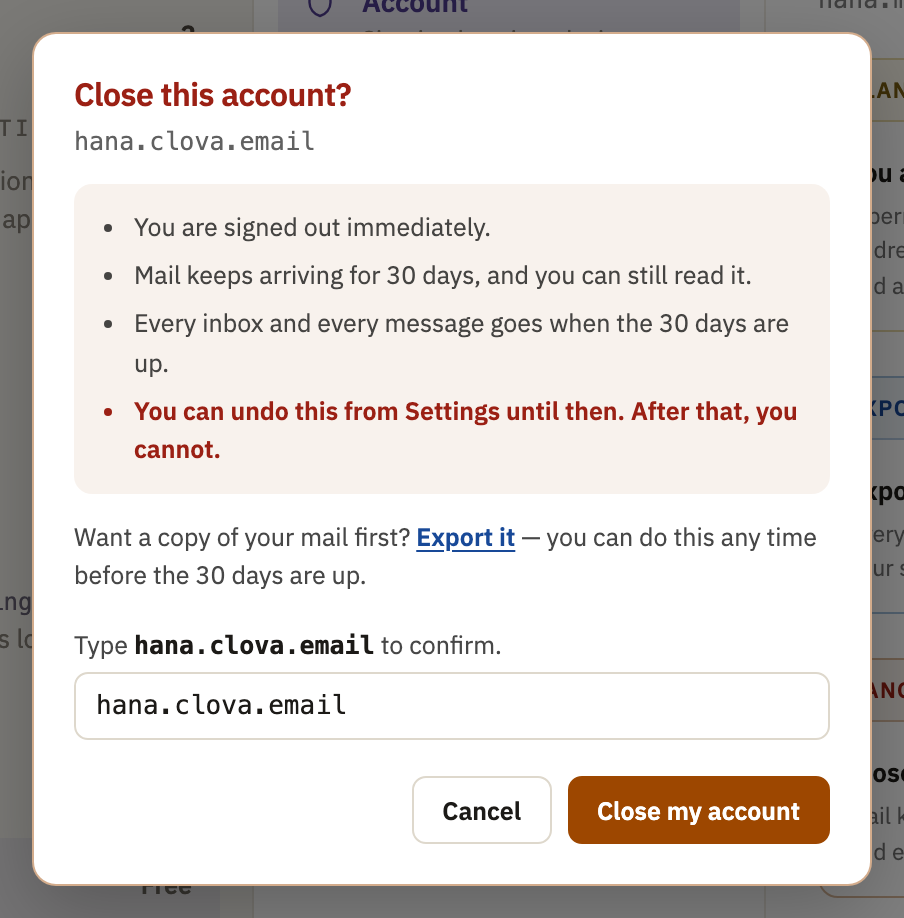
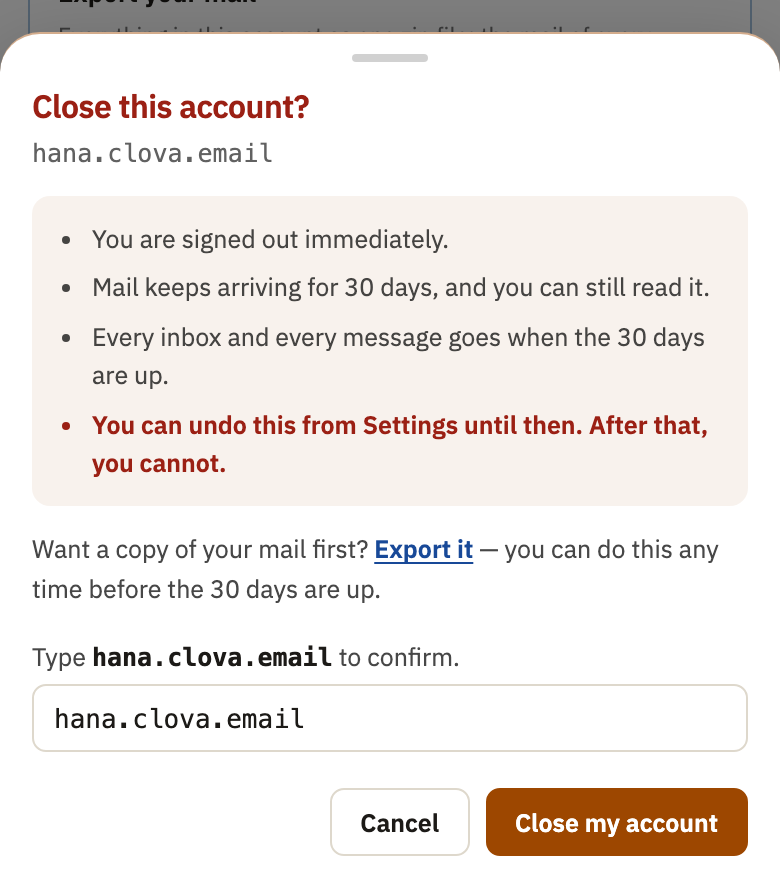
You're signed out straight away.
What happens next
For 30 days, mail keeps arriving, and you can sign in to read it. Nothing is forwarded in that time. Your personal access tokens are deleted straight away.
A paid plan stops renewing. If it's paid up, it runs to the end of its period; if a payment was failing, it ends at once. Nothing is refunded.
After 30 days, signing in is refused, and so is mail to your addresses. Everything in the account is erased within about a week after that.
Change your mind
- Sign in within the 30 days.
- In Settings, under Account, select Recover, in the Recovery Zone.
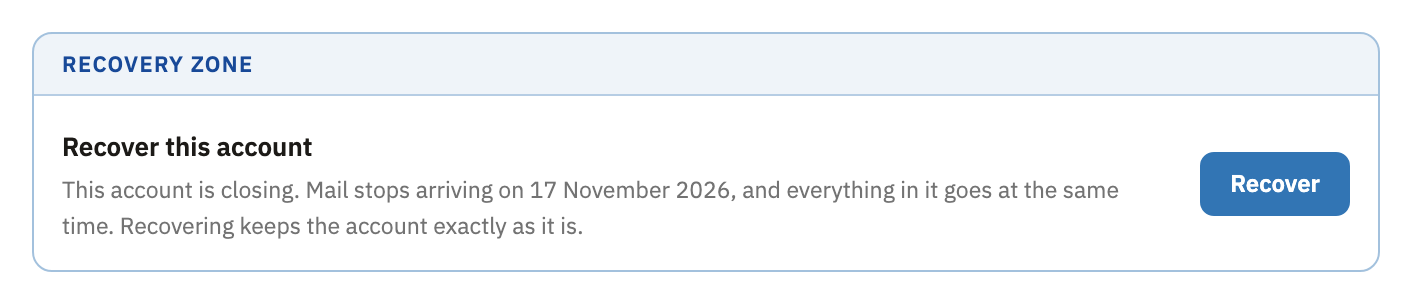
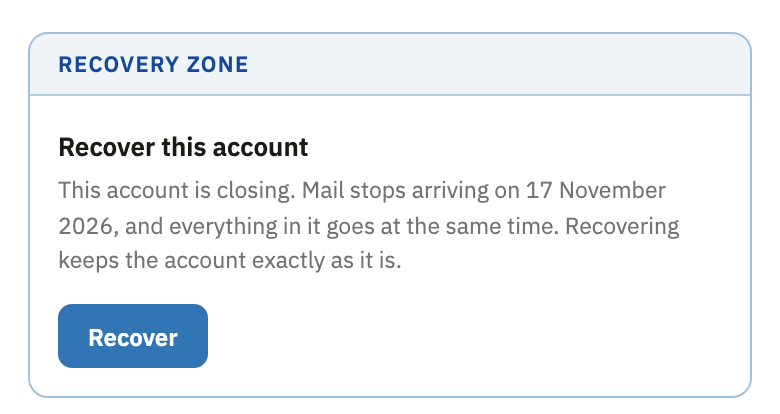
Your account is back as it was. A paid plan doesn't start again by itself: if its period hasn't ended, select Keep my plan in Settings, under Plan; if it has, choose a plan again. Access tokens don't come back, so make new ones if you need them.
Good to know
- Export while it's closing
- You can still export your mail during the 30 days.
- The date it ends
- While the account is closing, a notice at the top of your mail says the day mail stops arriving.
Did this help?
Thank you for telling us.