Forwarding · Guide
When forwarding pauses, and how to resume it
A notice says forwarding to one of your addresses is paused. See why, and resume it once that mailbox takes mail again.
Clova pauses forwarding to an address by itself in two cases: when that mailbox keeps refusing what's forwarded to it, and when your plan includes fewer forwarding addresses than you have. While an address is paused, the inboxes that forward there keep their new mail here.
See why it paused
The notice says which it was, and so does the address's window: in Settings, under Forwarding, select the address marked Paused.
- It refused the mail
- The other mailbox refused 5 forwarded messages in a row for good, as it does when the address no longer exists. The window quotes what it said. A message it takes in between starts the count over. A message too big for it doesn't count, and neither does one that couldn't be delivered in 5 days.
- Your plan includes fewer addresses
- After a move to a plan with fewer forwarding addresses, the ones past what it includes are paused. Nothing is deleted. Confirmed addresses are kept forwarding first, then the default, then the oldest.
Resume forwarding
This is for an address that refused the mail.
- From the account menu, open Settings, then select Forwarding. The notice's resume forwarding link opens it too.

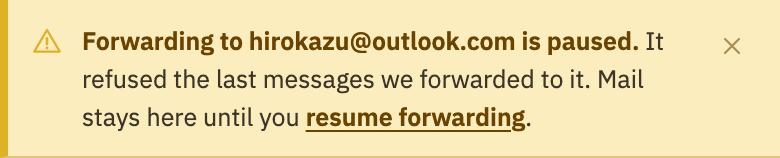
- Select the address marked Paused.
- Select Resume forwarding.
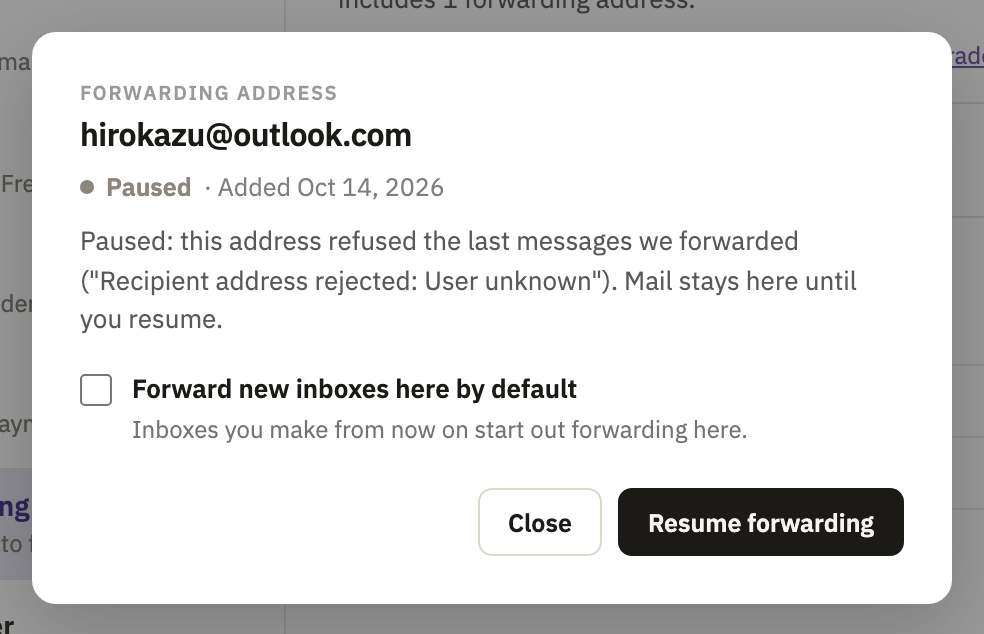
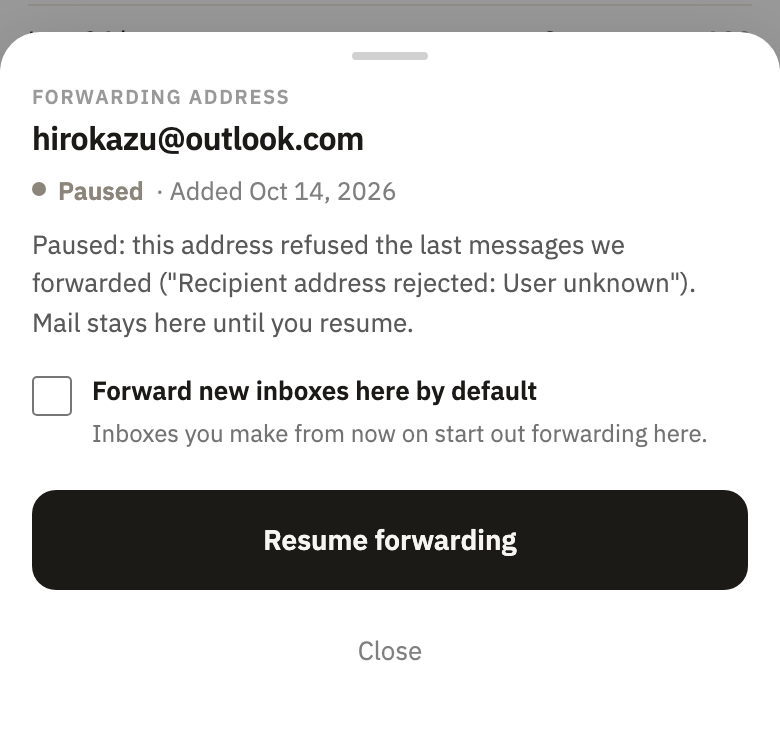
The address is Confirmed again, the notice comes down, and new mail is forwarded there. Mail that arrived while it was paused stays here, and isn't sent on.
Forward again after a plan change
There's nothing to resume. Delete forwarding addresses you no longer need, or upgrade: once your addresses fit your plan, the paused ones forward again by themselves. The notice Forwarding is paused for some of your addresses names them.
Good to know
- How you're told
- When an address refuses the mail, everyone on the account sees the notice. Those who sign in with an email address, or have confirmed a recovery email, also get an email: Forwarding was paused. History, on the Forwarding page, says it paused automatically.
- The inbox says so too
- In the settings of an inbox that forwards there, Forward to says the address is paused, and why. Its new mail stays here, and each message says Not forwarded in the list.
- A pause works at once
- Every message is checked before each try at sending it, so one already on its way stays here instead.
- Deleting the address
- Deleting an address that refused the mail takes its notice down. The inboxes that forwarded there keep their mail here from then on.
Did this help?
Thank you for telling us.