Forwarding · Guide
Forward an inbox to Gmail, Outlook or anywhere
You read your mail in Gmail or Outlook, and want an inbox's mail there too. Add that address, confirm it, then set the inbox to forward to it.
Forwarding sends an inbox's new mail on to an address somewhere else, such as your Gmail. You add it once as a forwarding address, and confirm it from its own mailbox. Then you choose it in the settings of each inbox that should forward there.
Add the address
- From the account menu, open Settings, then select Forwarding.
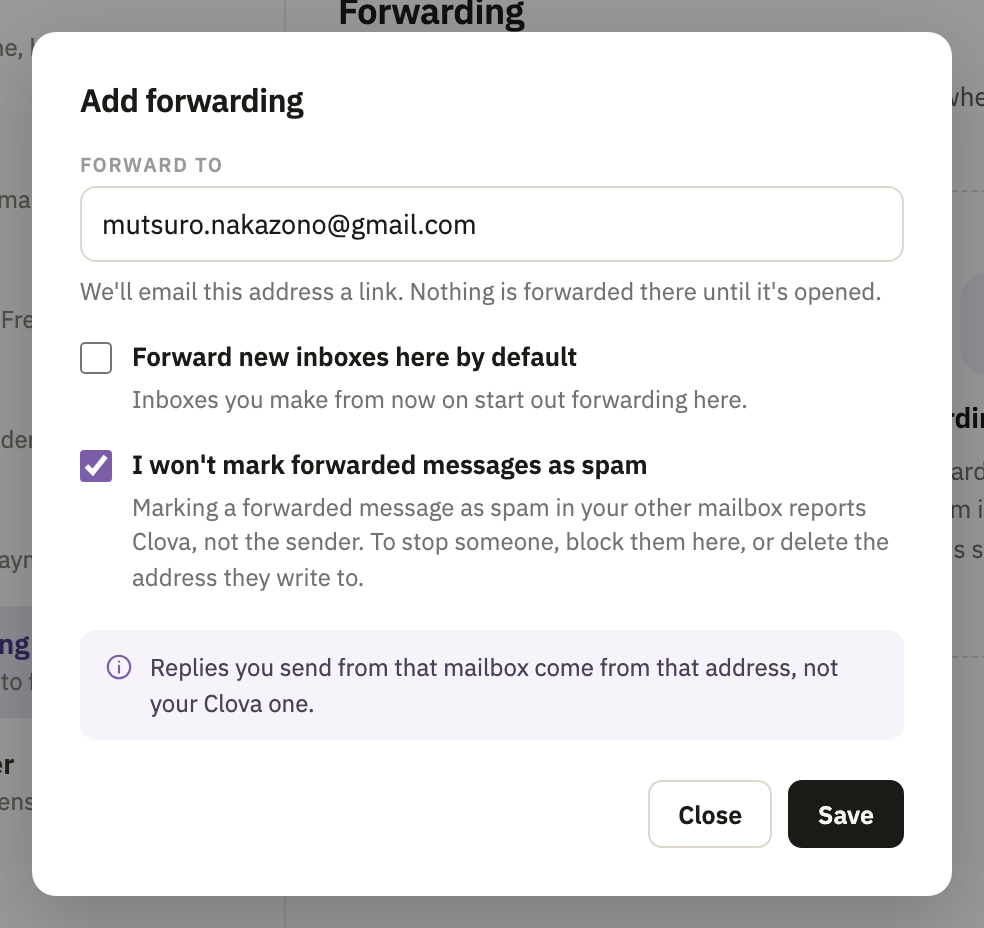
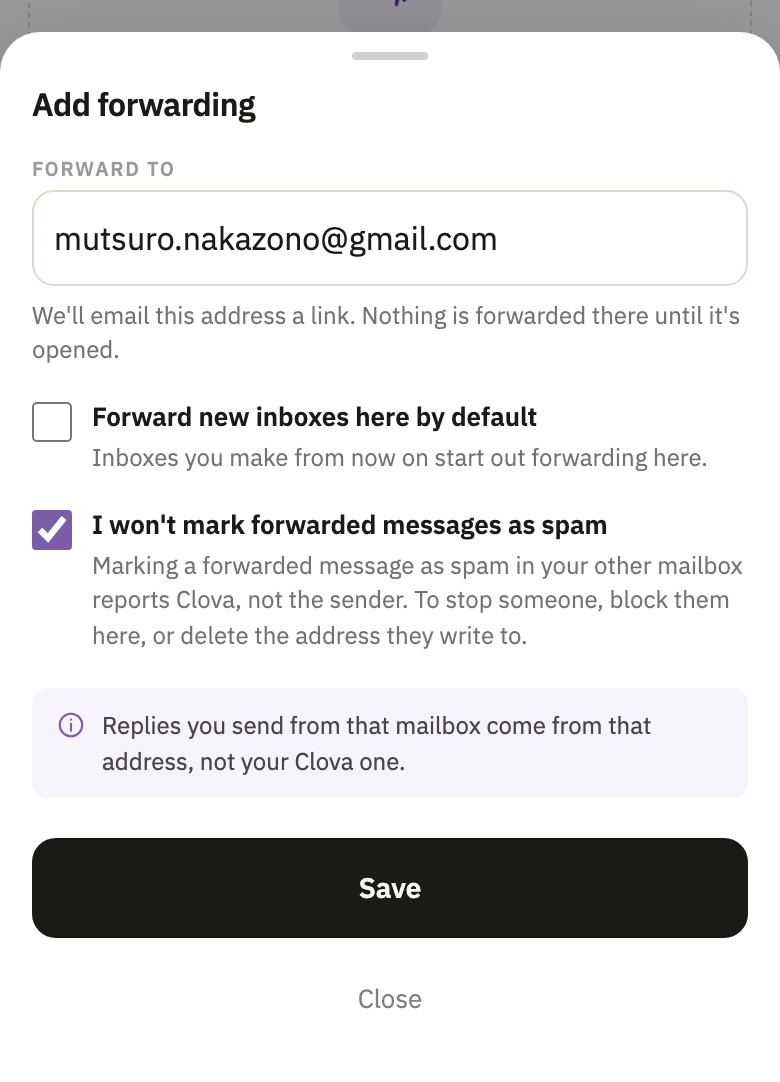
- Select Add forwarding.
- Under Forward to, type the address, such as your Gmail address.
- Tick I won't mark forwarded messages as spam. Marking a forwarded message as spam there reports Clova, not its sender. To stop someone, block them here.
- Select Save. Clova emails the address a link to confirm it.
Confirm it
Nothing is forwarded to the address until it's confirmed.
- In that mailbox, open the email Confirm your forwarding address.
- Within 60 minutes, select Confirm forwarding →.
- On the page that opens, select Confirm forwarding.
No email, or the link has expired? Send another link.
Set an inbox to forward
- Open the inbox, then its settings with the gear at the top right.
- Under Forwarding, in Forward to, choose the address.
- Select Apply.
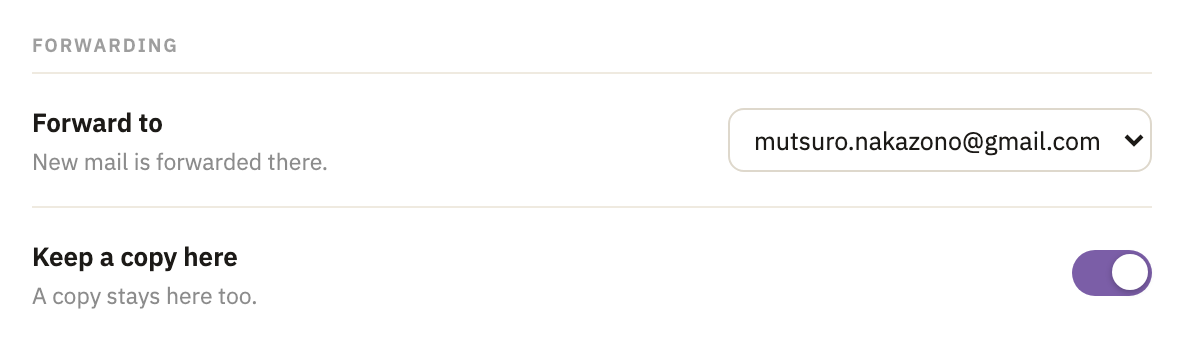
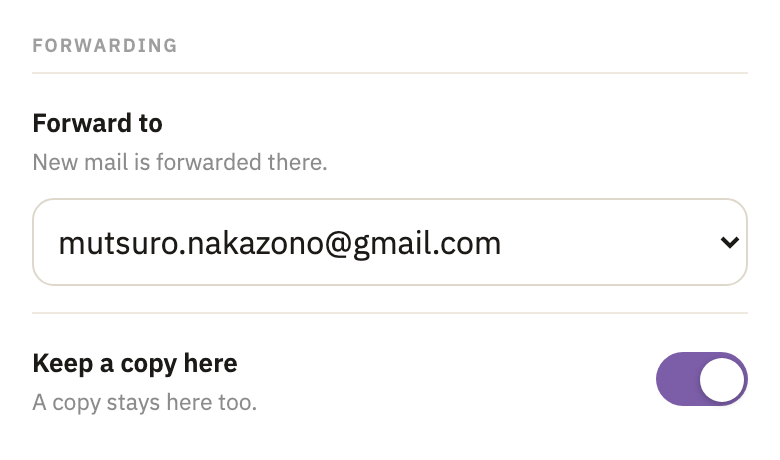
New mail to the inbox now goes to that address, and a copy stays here as well. Mail that's already here isn't forwarded. To keep forwarded mail out of here, see Keep a copy here, or not.
Stop forwarding
For one inbox, choose Don't forward in Forward to, in its settings, then select Apply. Its mail stays here from then on.
For every inbox that forwards to an address, delete the address: in Settings, under Forwarding, select the trash button beside it, then Delete. The page names the inboxes that no longer forward. To use the address again, you'd add and confirm it again.
Good to know
- One address for each inbox
- An inbox forwards to one address, or none. Several inboxes can forward to the same address.
- Every kind of inbox can forward
- Permanent, one-sender, prefix and temporary. An address under a prefix forwards the way its prefix does. Mail in your spam folder is never forwarded.
- Some mail stays here
- Clova forwards a message only when its sender signs its mail, so that the other mailbox can trust it, and sends it on unchanged. A message that isn't forwarded stays here and says why. See why a forwarded message didn't arrive.
- New inboxes can forward from the start
- When Forward new inboxes here by default is ticked for an address, each inbox you make once it's confirmed starts out forwarding there. The inboxes you already have don't change.
- What each plan includes
- Free includes 1 forwarding address, Pro 10, and Business as many as you need. Every address counts, confirmed or not. Free forwards up to 10 messages an hour, and 100 messages or 100 MB in 24 hours. Pro and Business forward up to 20 a minute, 200 an hour, and 1,000 messages or 1 GB in 24 hours. Limits, on the Forwarding page, shows how much you've used.
- Who can change it
- Anyone signed in to the account can. Everyone on it is told when an address is added or confirmed, or an inbox starts or stops forwarding, and History, on the Forwarding page, shows who changed what. Personal access tokens and AI assistants can't change forwarding.
- You can tell which inboxes forward
- An inbox that forwards shows Forwards above its mail, and an icon beside its name in your inboxes.


Did this help?
Thank you for telling us.