Forwarding · Guide
Keep a copy here, or not
Forwarded mail can stay here as well, or only go to the other mailbox. Choose for each inbox, and see what stays here either way.
An inbox that forwards keeps a copy of each message here too, so you can still read and search it in Clova. Switch the copy off, and forwarded mail is only in the other mailbox.
Switch the copy off or on
- Open the inbox, then its settings with the gear at the top right.
- Under Forwarding, switch Keep a copy here off, or on.
- Select Apply.
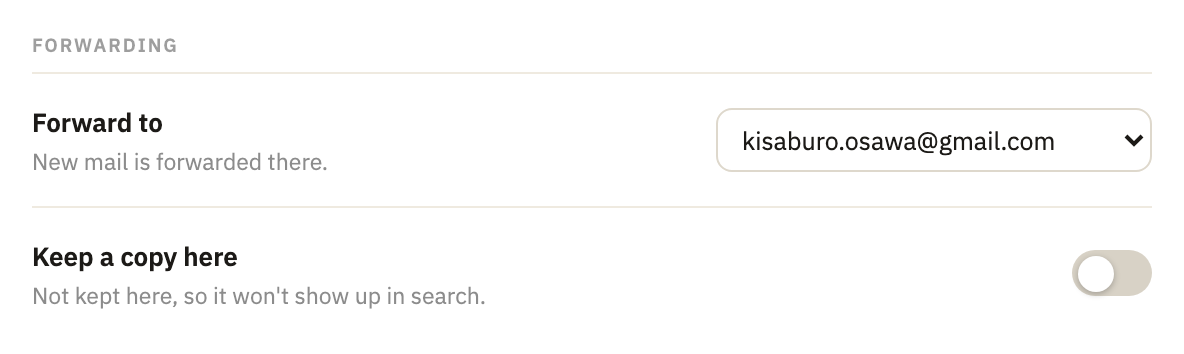
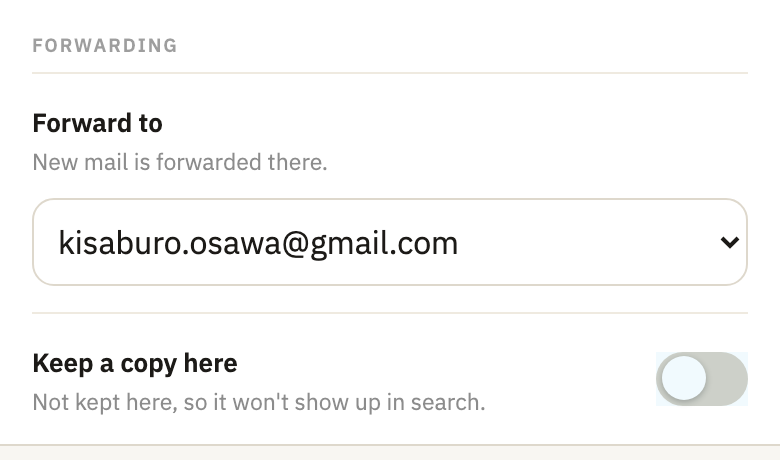
Keep a copy here shows once an address is chosen in Forward to. The change is for mail that arrives from then on: what's already here stays.
What stays here without a copy
Mail that doesn't reach the other mailbox is kept here all the same, with a note saying why:
- mail that isn't forwarded at all, such as from a sender that doesn't sign its mail, or once you've reached your plan's limits;
- mail the other mailbox refuses or finds too big, and mail that couldn't be delivered there in 5 days;
- mail that arrives while forwarding to the address is paused.
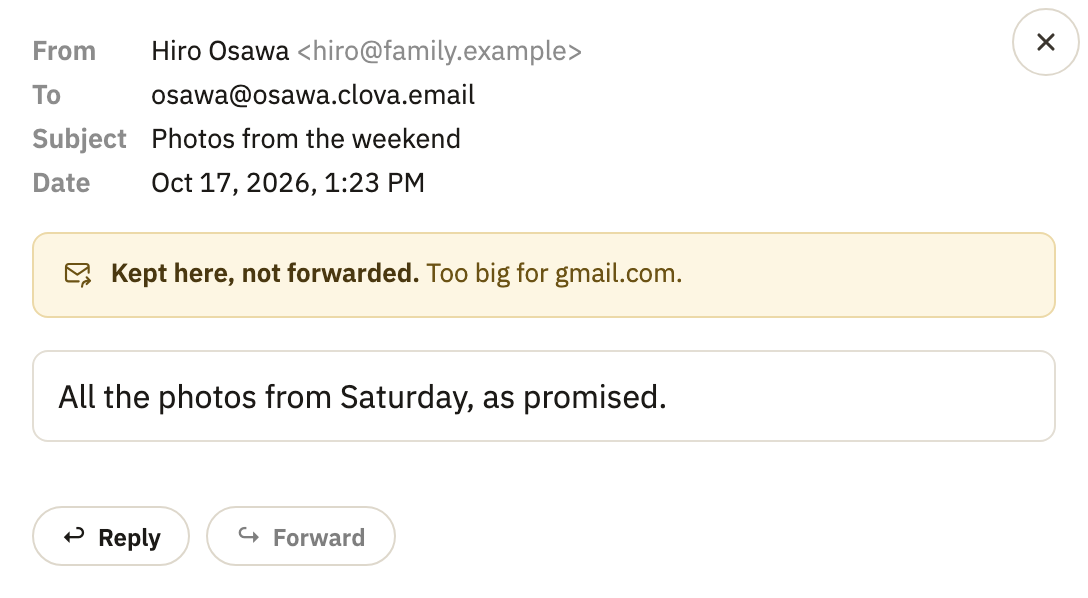
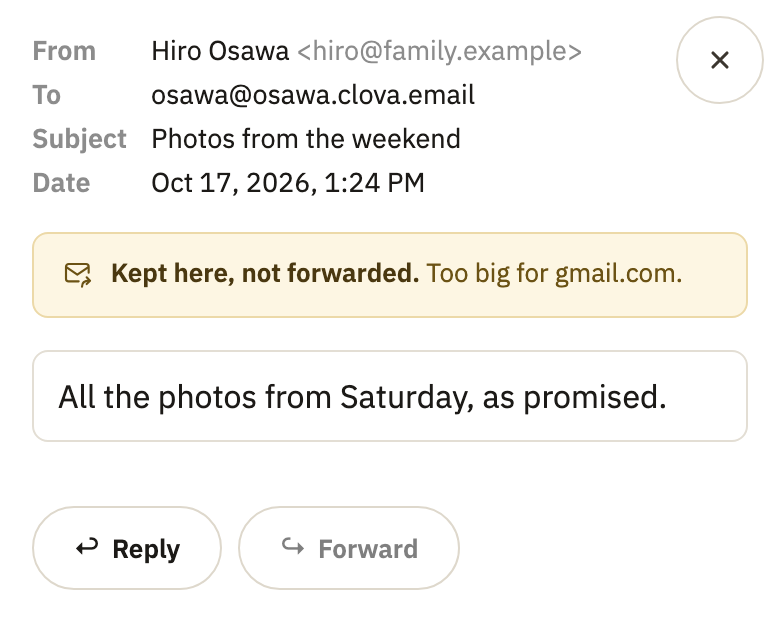
In the list, its row says Not forwarded. A message kept here isn't forwarded later.
Good to know
- On unless you switch it off
- An inbox starts out keeping a copy. The copy comes back on when you choose Don't forward, and when the address the inbox forwards to is deleted.
- Search finds only what's here
- Mail forwarded without a copy isn't in Clova, so search here can't find it.
- The forwarded copy is out of Clova's hands
- Deleting a message here, an inbox expiring, or closing your account doesn't remove what was already forwarded.
- Recorded in History
- Switching the copy isn't announced. History, on the Forwarding page, shows who did it, and an inbox forwarding with no copy is listed as keeping none.
Did this help?
Thank you for telling us.