Getting started · Guide
Make your first address
Every address you give out can be an inbox of its own. Pick the kind that fits who's going to write to it.
Give each company or site its own address, and you always know who's writing, and can stop any one of them without touching the rest. Making one takes a few seconds.
Make an inbox
- Select New inbox. On a phone, it's the round + at the bottom.
- Under Used for, choose who it's for:
- Person, for one company or person: it takes mail only from the first sender who writes to it.
- Newsletter/Subscription, to make up an address for each list as you go.
- Receipts, for 24 hours. Its mail is kept.
- Throwaway, for 7 days. Its mail is deleted soon after.
- Permanent address, to publish: it takes mail from anyone and never expires.
- Keep the name Clova suggests, or type one. The whole address shows under it.
- Select Let's Go.
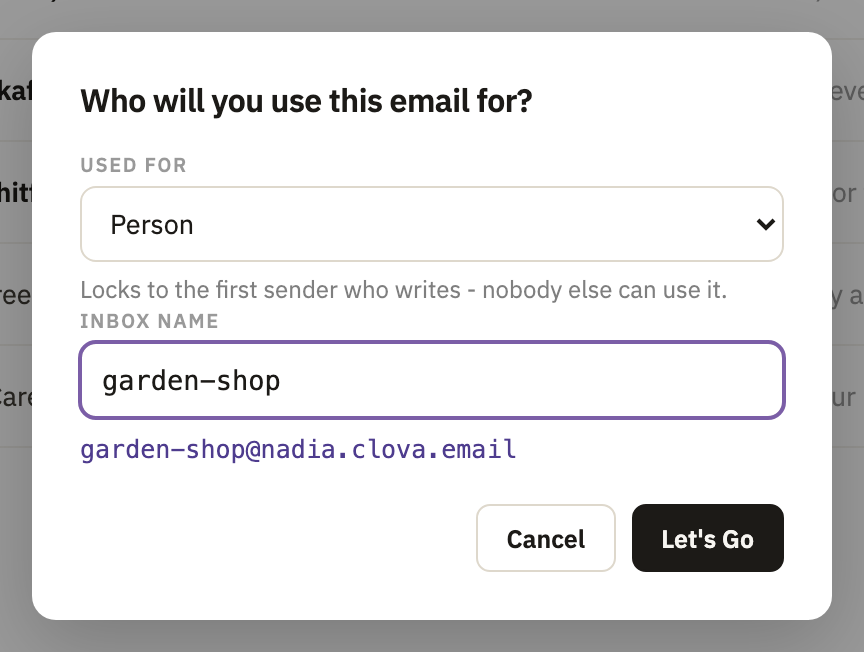
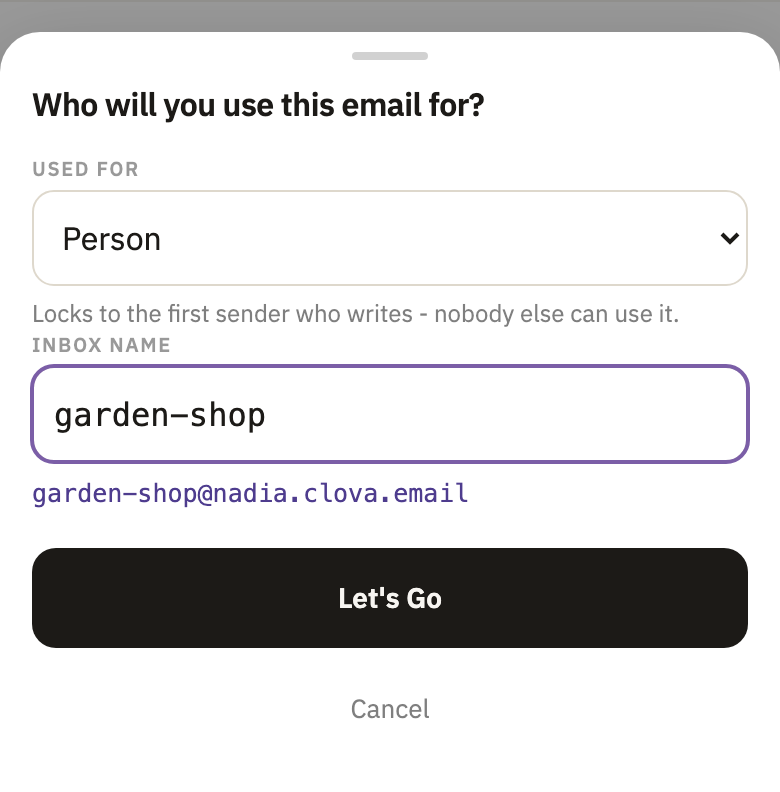
The new inbox opens, and its address is copied, ready to paste where you're signing up.
Use it
Give the address out. Its mail arrives in its own inbox, listed in the sidebar under its kind, and All mail shows everything together.
Good to know
- How many you can make
- One-sender and temporary inboxes, as many as you like. Permanent addresses and prefixes depend on your plan: Free includes 3 permanent addresses and 1 prefix.
- Where your addresses are
- Every address ends in your account's name, such as
shop@yourname.clova.email.
Did this help?
Thank you for telling us.