Mail · Guide
Block a sender or a whole domain
Someone keeps writing to you. Stop their mail in every one of your inboxes, or a company's from every address it writes from.
A block turns away a sender's mail in every inbox of your account. Their mail is refused with the answer an address that doesn't exist gets, so they aren't told they were blocked.
Block a sender
- Open a message from them.
- At the bottom, select Block.
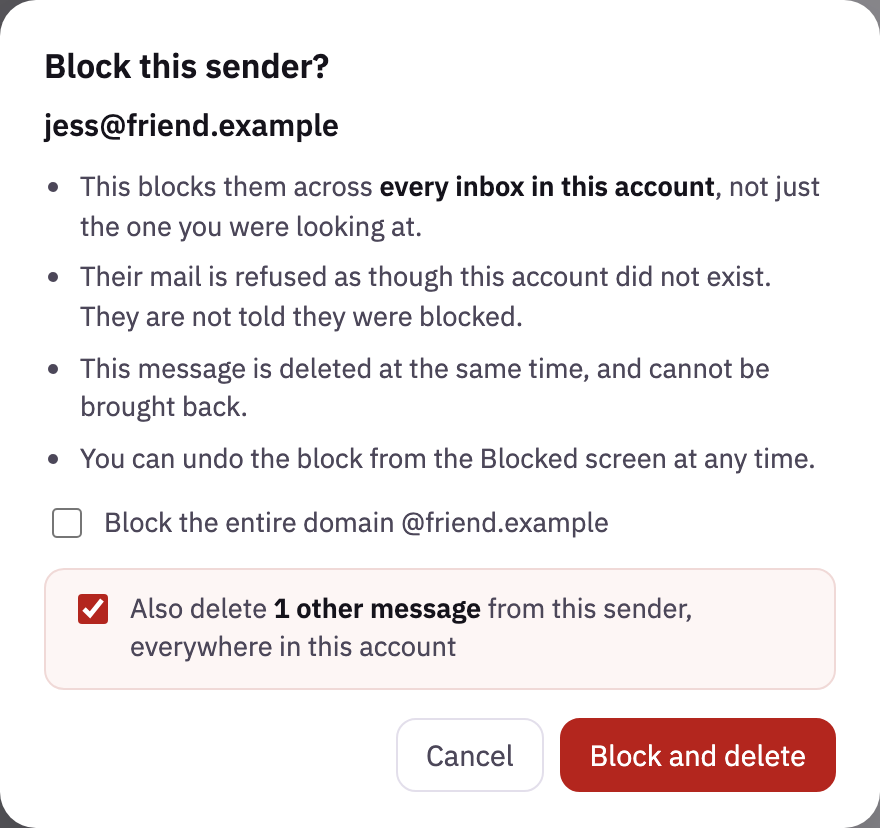
- Clova asks first. To keep their other mail, untick Also delete.
- Select Block and delete. The conversation you're on is deleted with the block.
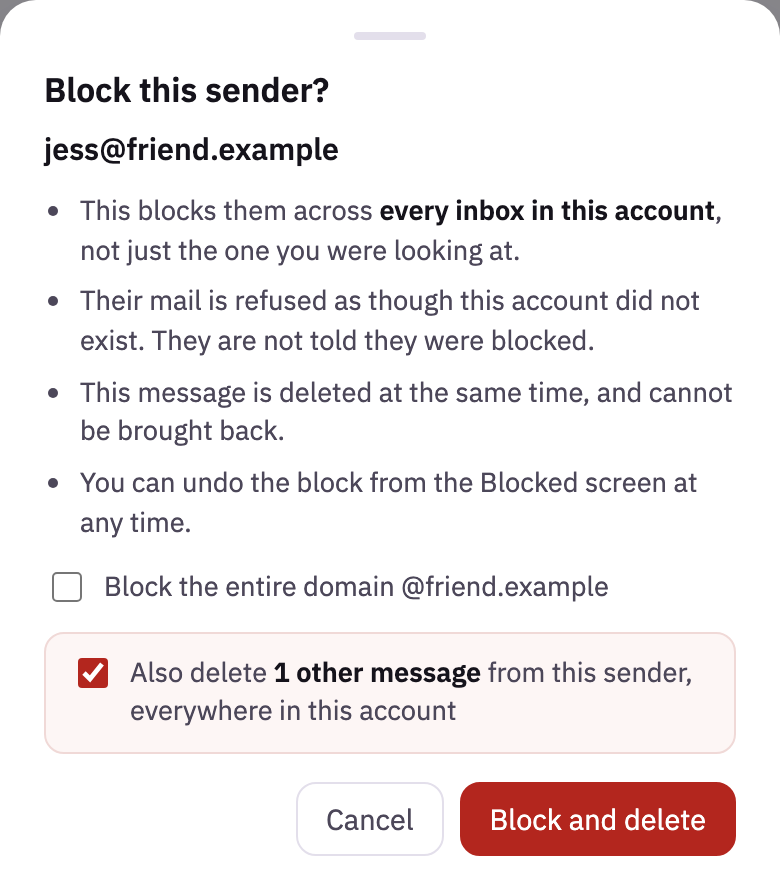
You can also block from the list. On a computer, point at a conversation, and select the block sign at its end. On a phone, swipe the conversation to the left, or press and hold it, and select Block.
Block a whole domain
For a company that writes from a new address every time:
- Open one of its messages, and select Block.
- Tick Block the entire domain. Also delete then counts the mail from every address there.
- Select Block and delete.
The block covers the domain and every domain under it: blocking focusapps.example also blocks news@mail.focusapps.example. It isn't offered for Gmail, Outlook and other providers, where an address can be anyone's.
Block an address by hand
- At the bottom of the sidebar, select your name. On a phone, select More at the bottom of the screen.
- Select Blocked senders.
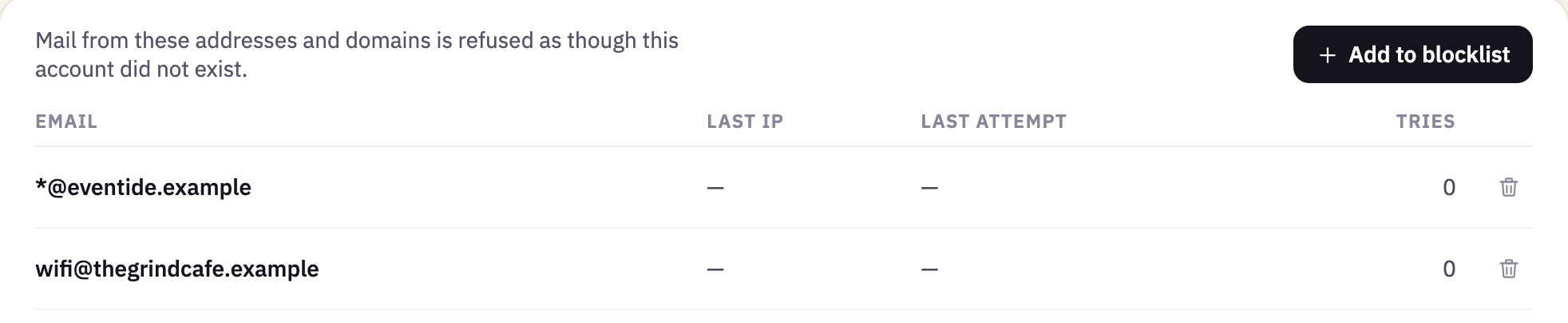
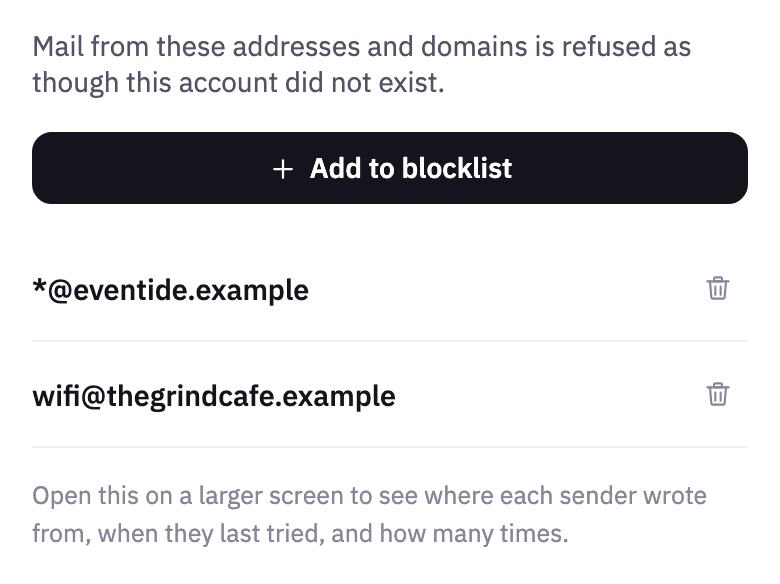
- Select Add to blocklist.
- In Their full email address, type the address.
- Select Block sender.
A whole domain can't be typed here: block it from one of its messages.
Unblock
- In the account menu, select Blocked senders.
- Next to the address, select the trash.
Their mail reaches you again from then on.
Good to know
- Every spelling of an address
- Capitals make no difference. At Gmail, Outlook, iCloud, Proton, Fastmail and Zoho, nothing after a
+does either, and at Gmail, nor do dots: blockingana.lima@gmail.comalso blocksanalima+news@gmail.com. - Only mail that can be checked
- A block works on mail that proves who sent it. A message in their name that can't be checked still arrives, and if you block from one, Clova says so.
- Who keeps trying
- On a computer, Blocked senders counts how many times each has tried to write since, and shows the last time and the IP address it came from. Unblocking someone forgets this.
- Contacts
- A block takes them out of your contacts. If you write to them later, Clova asks whether to unblock them first.
Did this help?
Thank you for telling us.