Mail · Guide
The spam folder
What the spam folder holds, why a message went there, and how to empty it.
A domain can say what to do with mail that claims to be from it but fails its checks. When it says to quarantine that mail, Clova puts it in your spam folder, apart from your inboxes. It isn't a spam filter: spam that passes the checks of the domain it comes from arrives like any other mail.
Open the spam folder
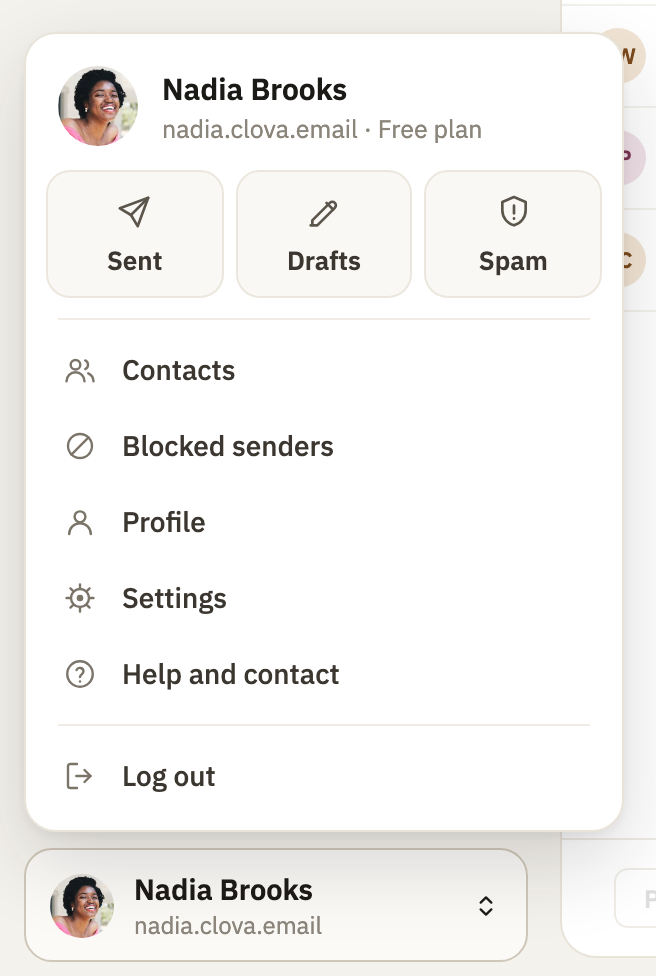
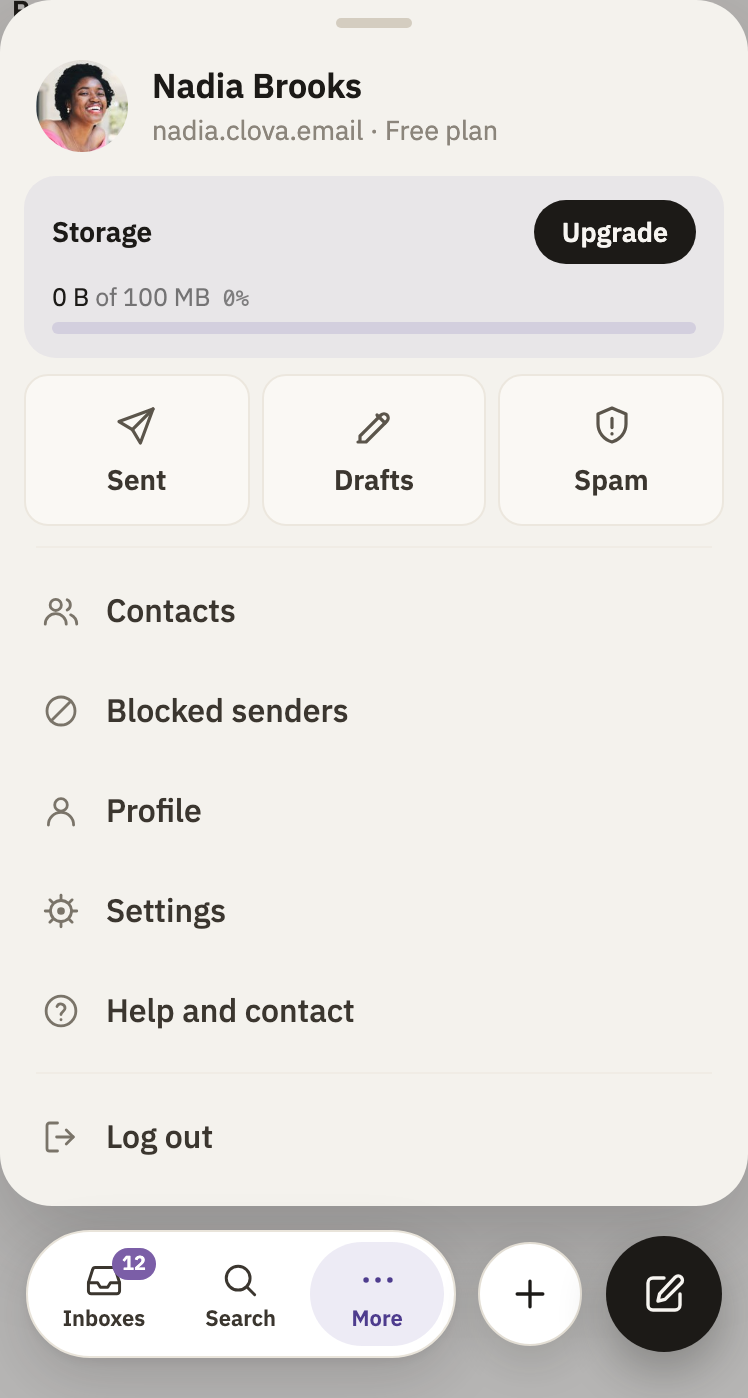
- At the bottom of the sidebar, select your name. On a phone, select More at the bottom of the screen.
- Select Spam.
Empty it
Mail here is deleted on its own about 30 days after it arrived. To delete it all now:
- In the spam folder, at the top right, select the trash: Delete all spam. It's there while the folder has mail in it.
- Select Delete all.
To delete one conversation, open it, and select Delete.
Good to know
- Some mail is refused instead
- When a domain says to reject mail that fails its checks, Clova refuses it, and the sender's mail server is told. Mail from servers known for sending spam is refused too. Neither reaches the spam folder.
- Kept apart
- Mail in the spam folder isn't in All mail, doesn't count as unread, and is never forwarded.
- Nothing to set
- The spam folder has no settings, and its mail can't be moved to an inbox.
- Searching
- Searching all your mail looks in the spam folder too.
Did this help?
Thank you for telling us.