Mail · Guide
Search your mail
Find a message by its words, its sender or its date, in the inbox you have open or in all your mail.
Search looks in the inbox you have open, or in all your mail. Words find the mail that contains them, and a few short codes, such as from:, narrow it down.
Search
- Above the list, select Search mail, or press ⌘K or Ctrl+K. On a phone, select Search at the bottom of the screen.
- Type what you're looking for, and press Enter.
- Select a result to open its conversation.


Narrow it down
Add any of these to your words, or search with them alone:
| Add | To find |
|---|---|
from: and an address |
mail from it |
to: and one of your addresses |
mail sent to it |
subject: and a word |
the word in the subject |
has:attachment |
only mail with files |
is:unread |
only mail you haven't read |
after: and a date, as in after:2026-09-01 |
mail that arrived on that day or later |
before: and a date |
mail that arrived before that day |
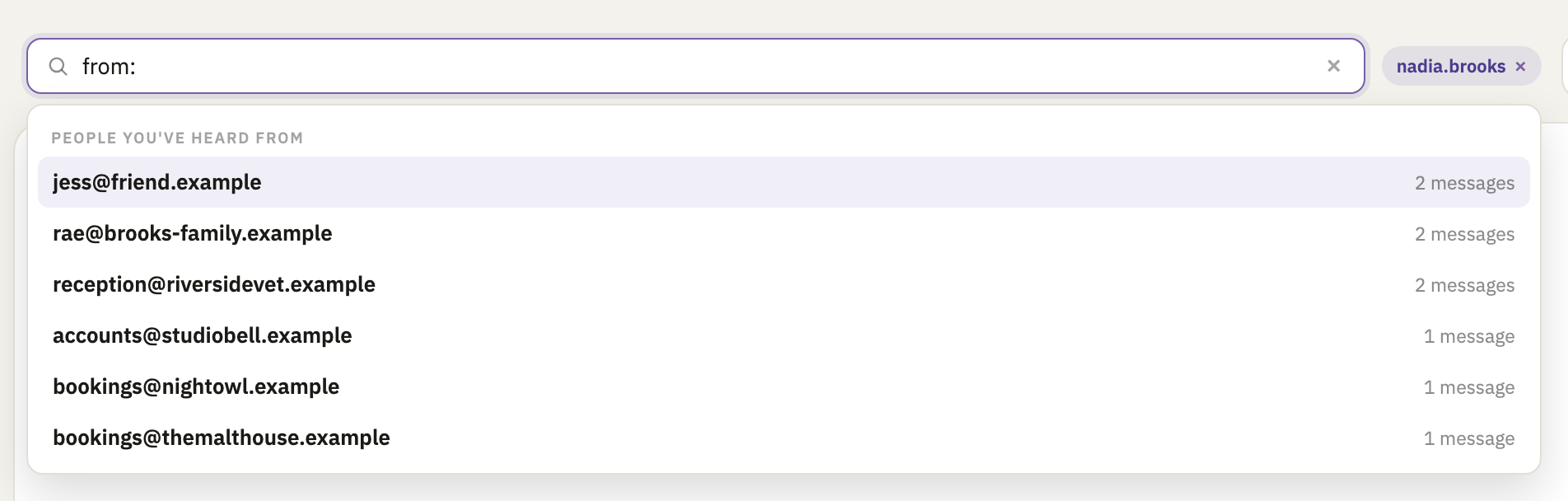
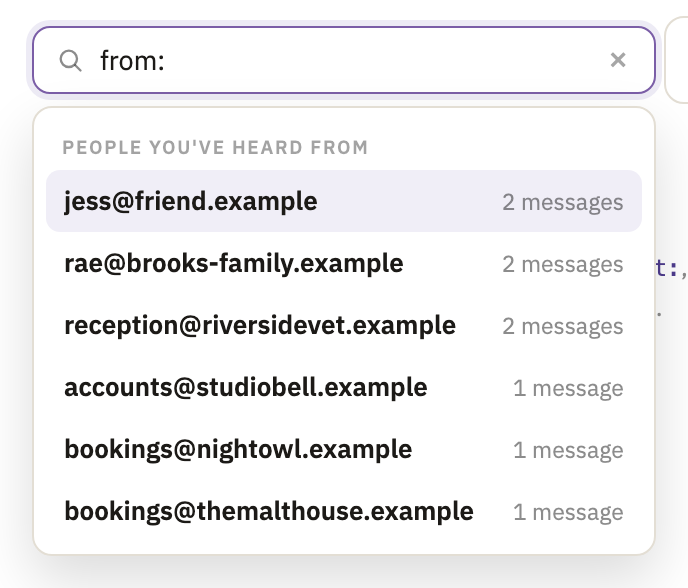
The box suggests these as you type. After from:, it lists the people you've had mail from, and after after: or before:, a date to pick.
Search all your mail
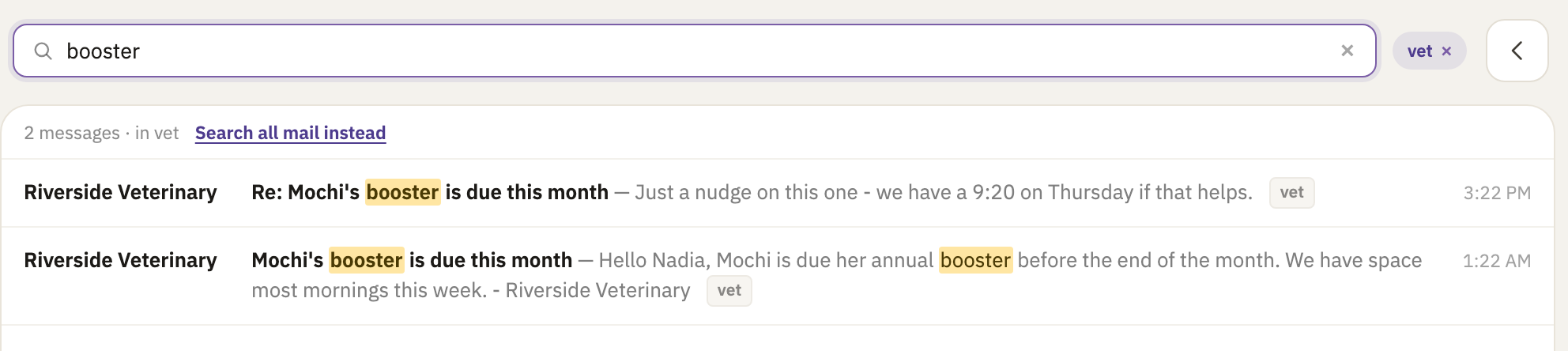
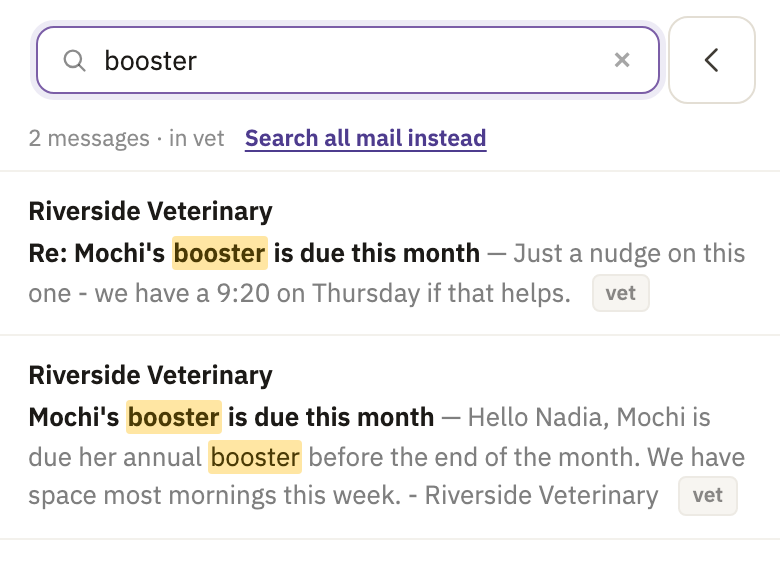
A search starts in the inbox you have open. Above the results, it says which one.
To look in all your mail, select Search all mail instead. When nothing matched, select Search all mail. On a computer, the × beside the inbox's name in the box does the same.
Good to know
- Whole words
- A search with several words finds mail with all of them. A word doesn't find longer words that start with it: end it with
*for those, as ininvoic*. To find words together, put them in quotes, as in"annual service". - Results are messages
- Newest first, one for each message that matches, so a conversation can come up more than once.
- All your mail includes spam
- Searching all your mail looks in the spam folder too.
- More codes
is:read,inbox:and an inbox's name, andsince:anduntil:in place ofafter:andbefore:.
Did this help?
Thank you for telling us.