Mail · Guide
Read, reply and write
Answer a message from the address it was sent to, pass it on, or write to someone new.
Mail comes in conversations: a message and the replies to it, together. When you answer, Clova sends from the address the message was sent to, so whoever you're answering doesn't learn your other addresses.
Read a conversation
Select a conversation in the list to open it. Its newest message is open, and so is any you haven't read. Older messages are a line each: select one to open it.
At the bottom, the arrows go to the conversations above and below it in the list.
Reply or forward
- Open the conversation.
- Under the message you're answering, select Reply. To pass it on, select Forward instead.
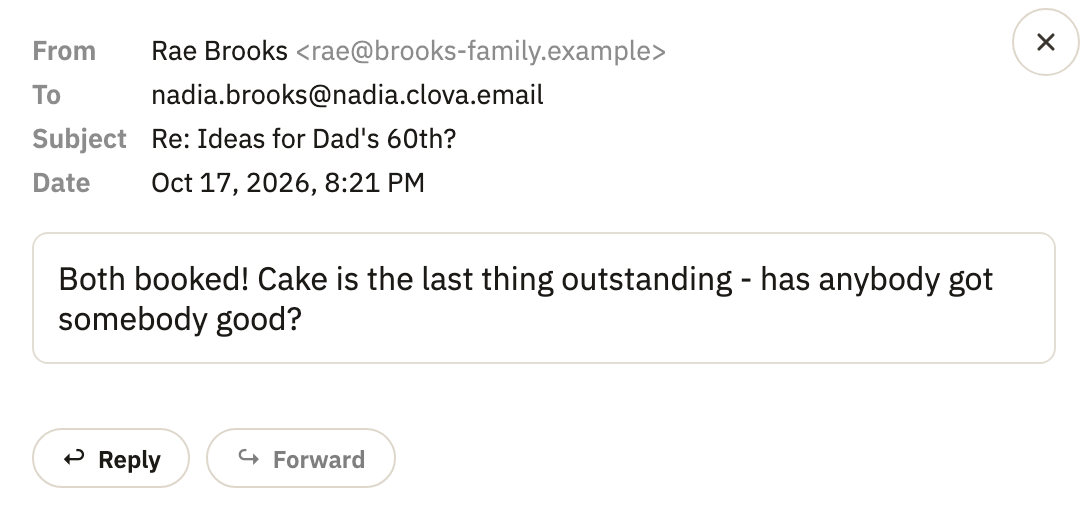
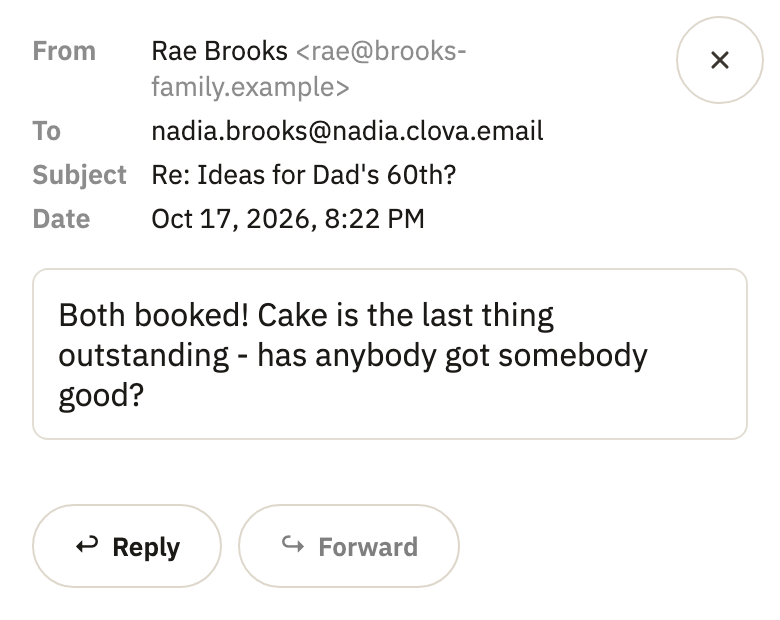
- For a forward, type an address in To.
- Write your message.
- To quote the conversation, select ··· below what you've written. A forward needs it: without it, only your own words are sent.
- Select Send.
A reply goes from the address the message was sent to. If you choose another next to From, Clova warns you that they'll learn it.
Write a new message
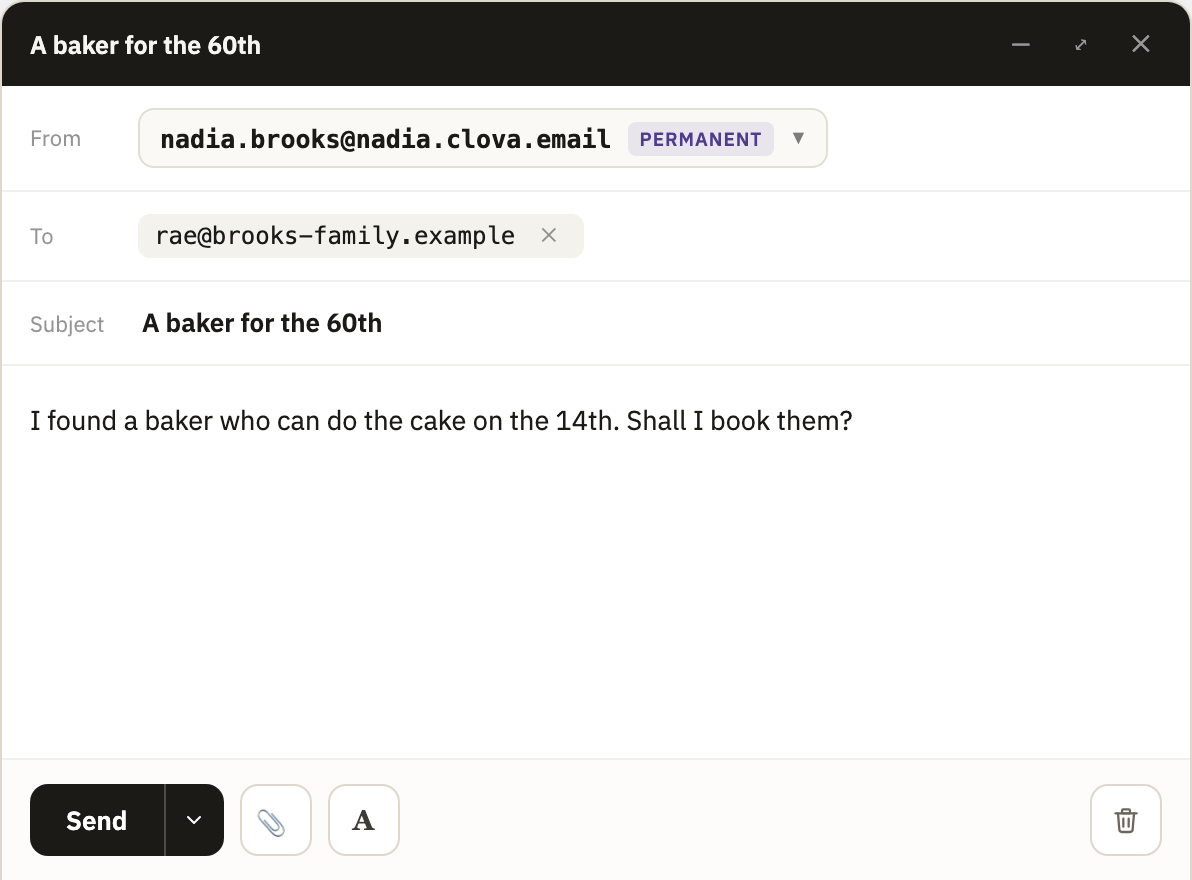
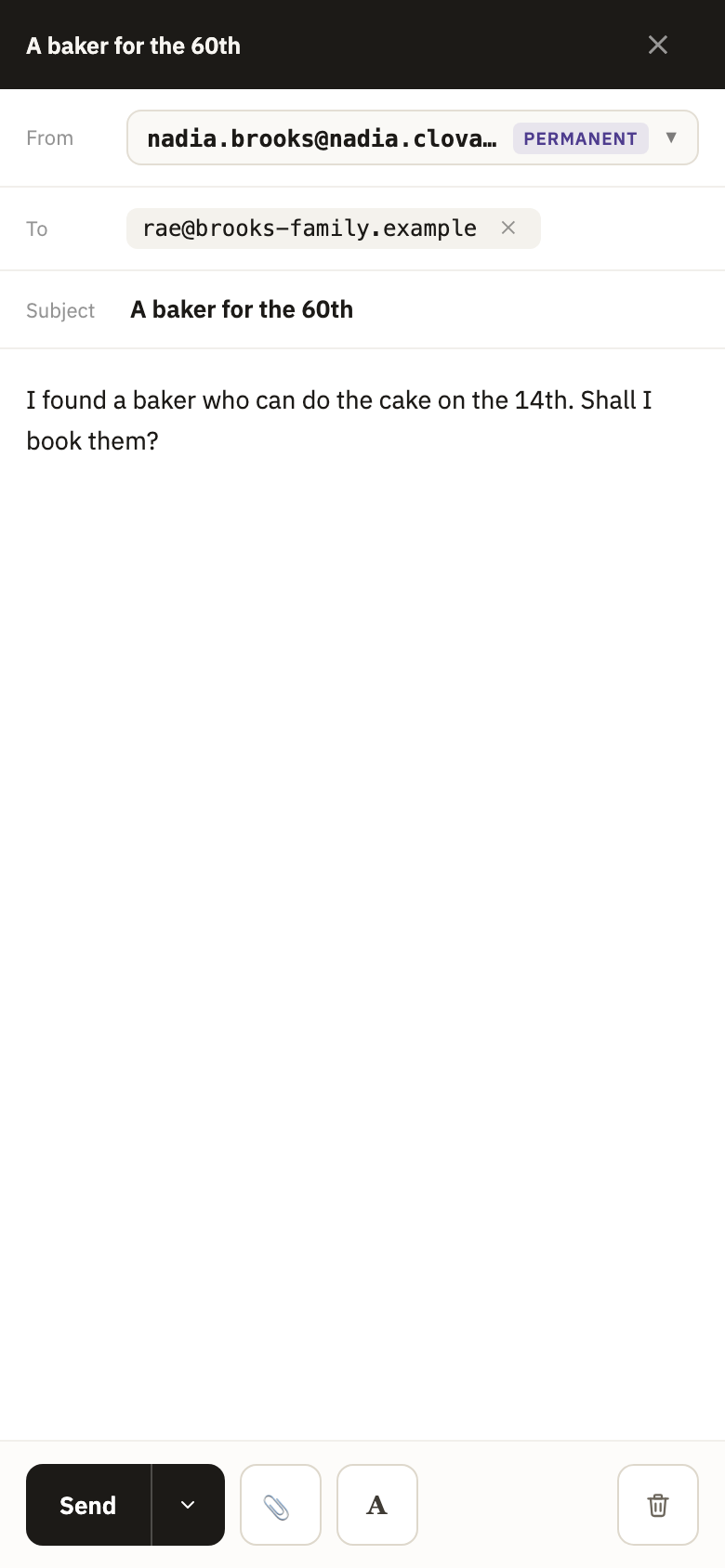
- At the top of the sidebar, select Compose. On a phone, select the pencil at the bottom right.
- Next to From, select which of your permanent addresses to send from.
- In To, type an address, and press Enter. As you type, Clova suggests people you've written to.
- Write a Subject, and your message under it.
- Select Send.
Send it later
- Next to Send, select the arrow.
- Select Send in 2 hours or Send in 24 hours, or Pick a date and time… for any time in the next year.
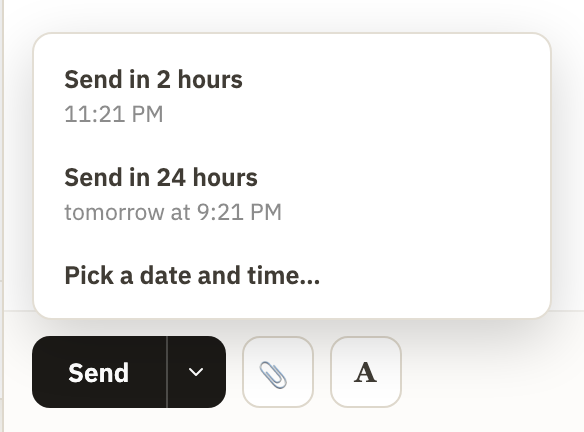
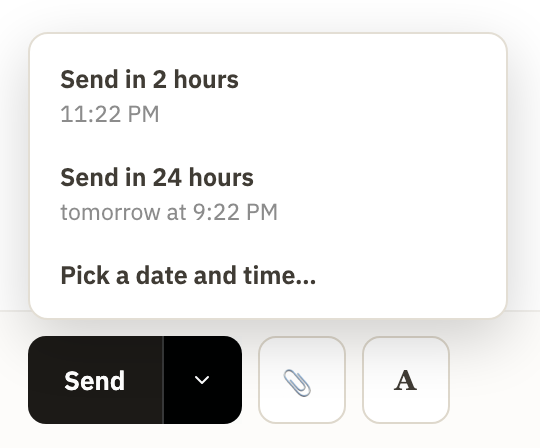
Until then, the message waits in Drafts. To stop it, open it there, select the arrow next to Send again, and select Cancel this send.
Good to know
- Drafts save themselves
- Once you've written a little, the message is saved in Drafts, in the account menu. What you've sent is under Sent.
- How much you can send
- A message can go to 25 addresses at most: one with more isn't sent, and stays in Drafts. A new account can send to 50 addresses on its first day of sending, and 30 an hour. That rises with each day it sends, to 1,000 a day and 200 an hour from its seventh. Past a limit, mail isn't lost: it waits in Drafts, and goes out when the limit allows.
- The line at the end of your mail
- On the Free plan, what you send ends with a line saying it was sent from Clova.Email. On Pro and Business, you can change it or remove it in Settings, under Footer.
- Writing to someone you've blocked
- Clova asks first whether to Unblock them, or Remove from To.
Did this help?
Thank you for telling us.