Mail · Guide
Attachments
Open the files people send you, and attach your own, up to 25 files and 40 MB on one message.
Files come with the message they were sent with, listed under it. In the list, a paperclip beside a conversation means its newest message has files.
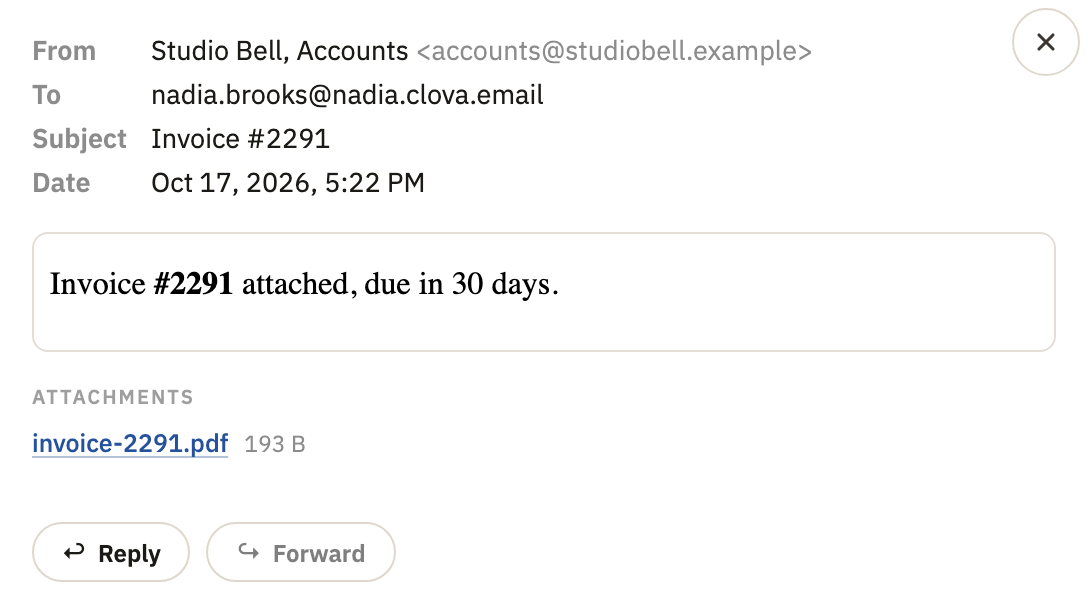
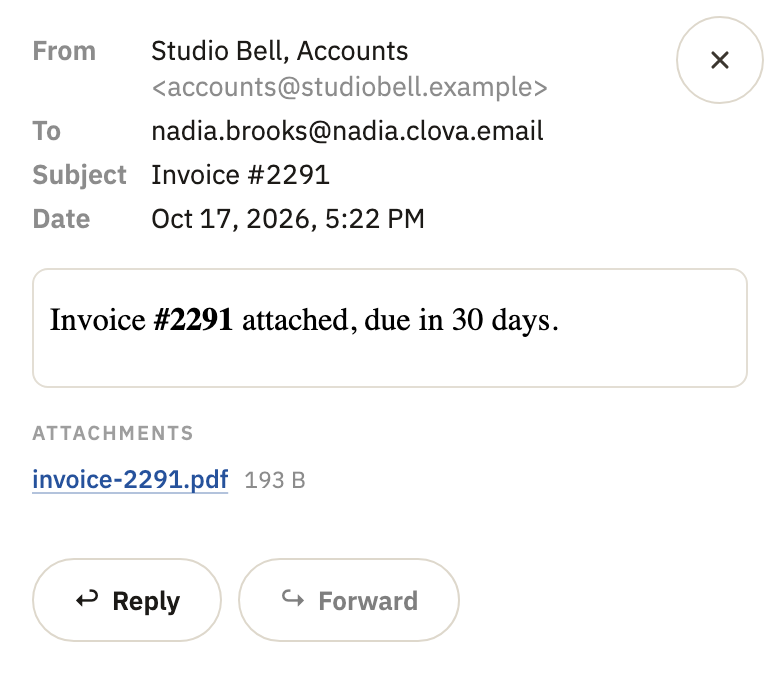
Open a file you were sent
- Open the conversation.
- Under the message, in Attachments, select the file's name. It downloads.
Attach a file
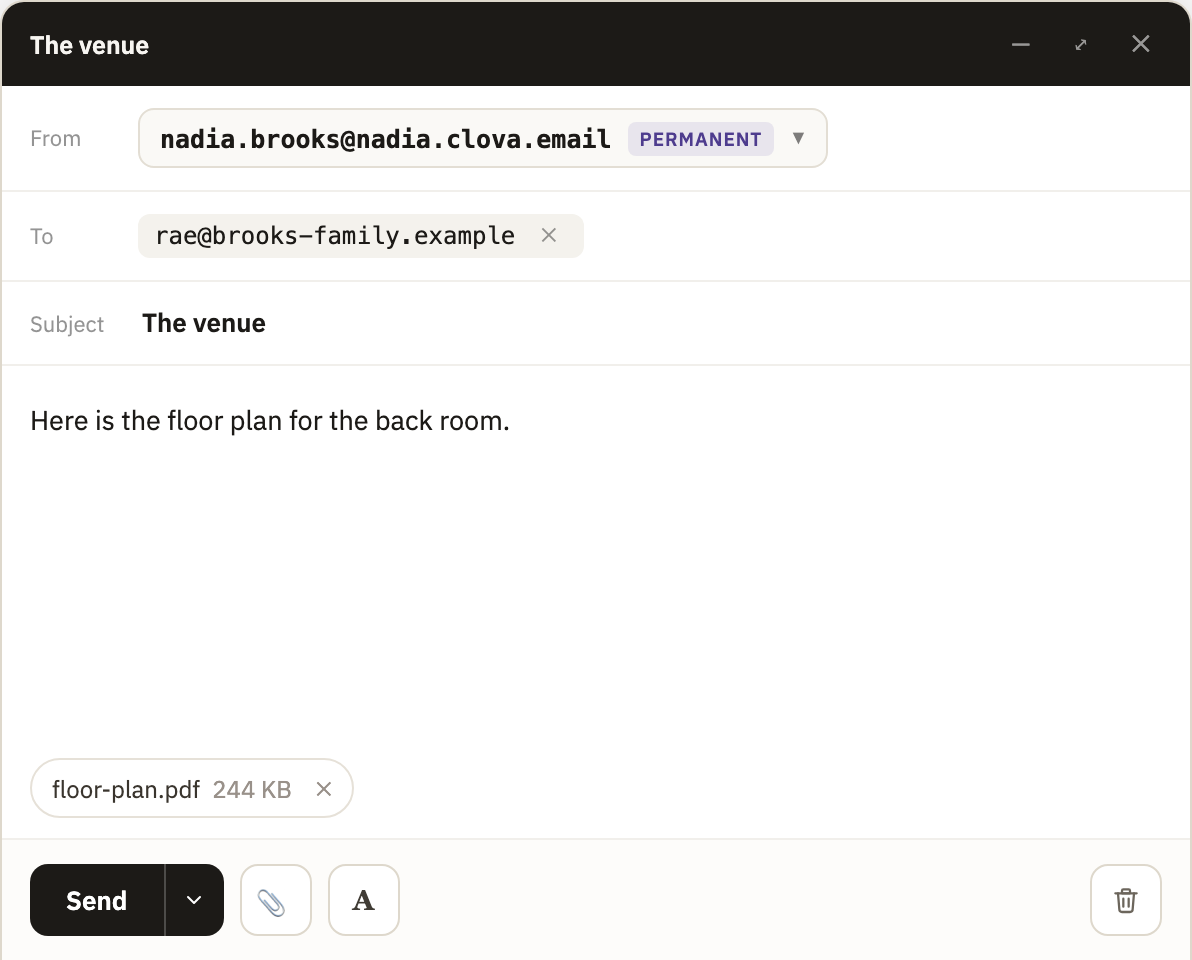
- At the bottom of the message you're writing, select the paperclip, Attach file.
- Choose one or more files.
- Wait for each to upload. Its chip fills as it goes, and Send waits for it.
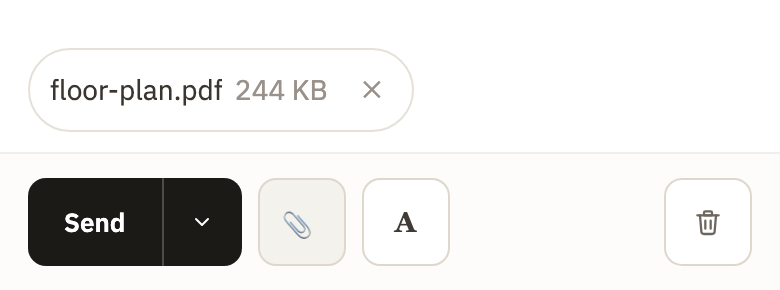
To take a file off, select × on its chip.
Find mail with files
Search for has:attachment, on its own or with other words. See Search your mail.
Good to know
- How big
- One file can be up to 32 MB, and a message can carry 25 files and 40 MB in all.
- Files that aren't accepted
- Programs and scripts, such as
.exe,.jsand.batfiles, Office files with macros, and disk images can't be attached. When one comes with a message, Clova keeps its name and size but not the file, and says so under it. - Forwarding
- Forward doesn't send a message's files along. To pass one on, download it, and attach it to your message.
- Kept encrypted
- Every file is kept encrypted, each under a key of its own. Your browser encrypts the files you attach before they're stored, and decrypts a file as it downloads it. A file you delete is erased from storage a week later.
Did this help?
Thank you for telling us.