Mail · Guide
Pin a conversation
Keep up to three conversations you keep going back to at the top of the sidebar, whichever inbox you have open.
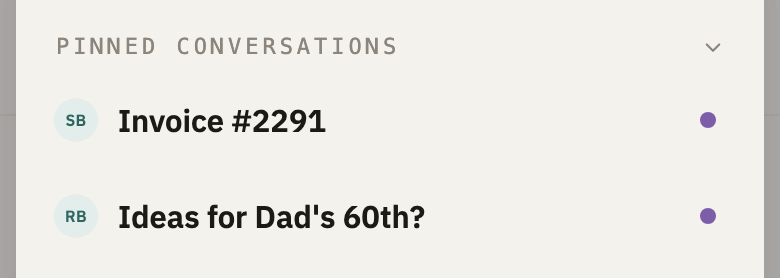
A pinned conversation stays under Pinned conversations, at the top of the sidebar, whichever inbox you're reading. It's for the few you keep going back to: an order on its way, a trip you're planning.
Pin it
- Open the conversation.
- At the bottom right, select Pin.


You can also pin from the list. On a computer, point at a conversation, and select the pin at its end. On a phone, swipe the conversation to the left, or press and hold it, and select the pin.
Open a pinned conversation
Under Pinned conversations, select it. On a phone, select Inboxes at the bottom of the screen first.
Unpin a conversation
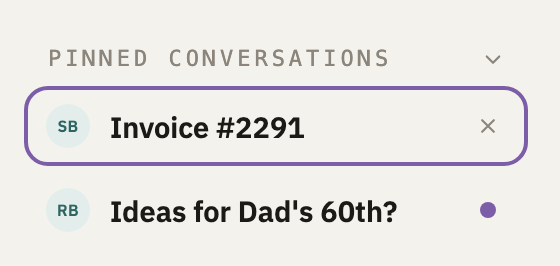
In the open conversation, select Unpin. On a computer, you can also point at it under Pinned conversations, and select ×.
Good to know
- Three at most
- To pin a fourth, unpin one first.
- A pin follows its conversation
- Replies keep it pinned, and a dot says when something in it is unread. Deleting the conversation unpins it.
- Pinned in the list
- In the list, a pinned conversation has a pin beside its time.
Did this help?
Thank you for telling us.