Inboxes · Guide
Make up addresses with a prefix
Every shop, list and booking wants an email address. With a prefix, you make up a new one for each on the spot, without opening Clova first.
A prefix isn't one address but a rule: any address that starts with it reaches you. With the prefix parties, you can give the venue parties-venue@yourname.clova.email and the DJ parties.dj@yourname.clova.email as you go. Each address locks to the sender who first writes to it.
Make a prefix
- Select New inbox. On a phone, it's the round + at the bottom of the screen.
- Under Used for, select Newsletter/Subscription.
- Under Inbox name, type the prefix: at least 5 characters.
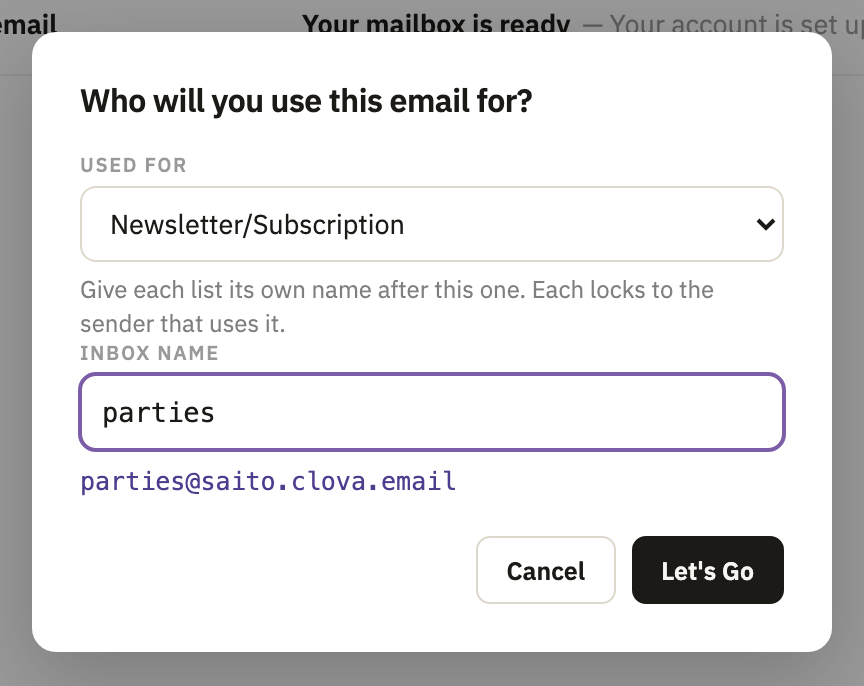
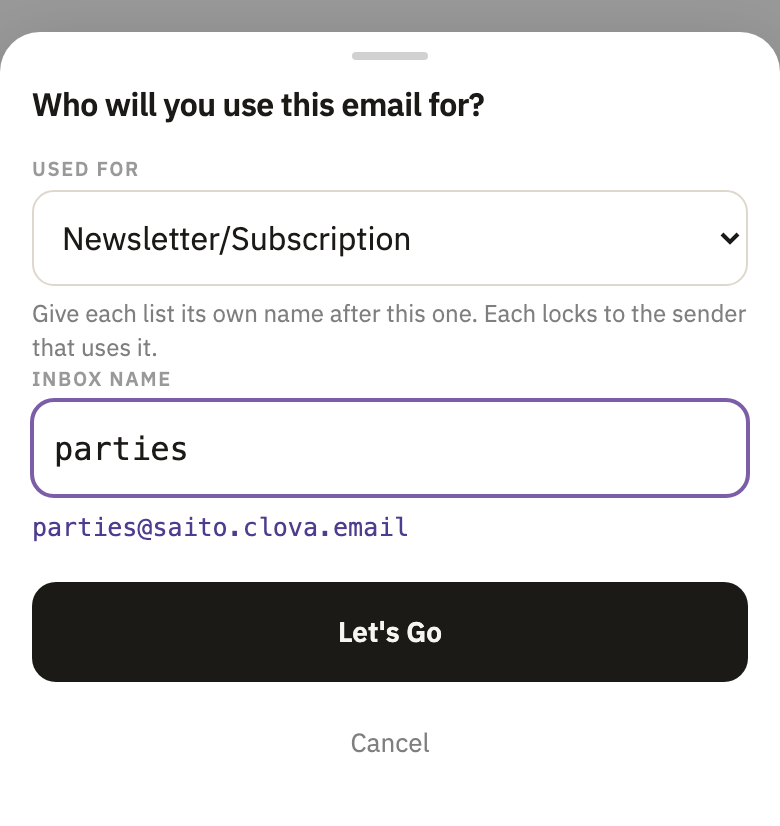
- Select Let's Go.
You can also select + next to Prefix in the sidebar. Free includes one prefix, and Pro and Business 25, counting the ones switched on.
Give out addresses
When someone asks for your email, make one up: your prefix, then anything you like. A dash, a dot or nothing at all between the two works.
The first message to a new address makes it, and locks it to its sender. That sender's address has to be one that can be checked. If it can't be, the message is refused and no address is made.
Read their mail
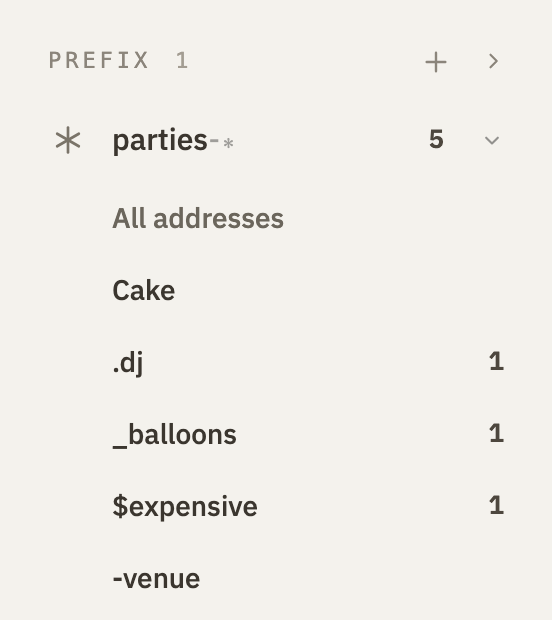
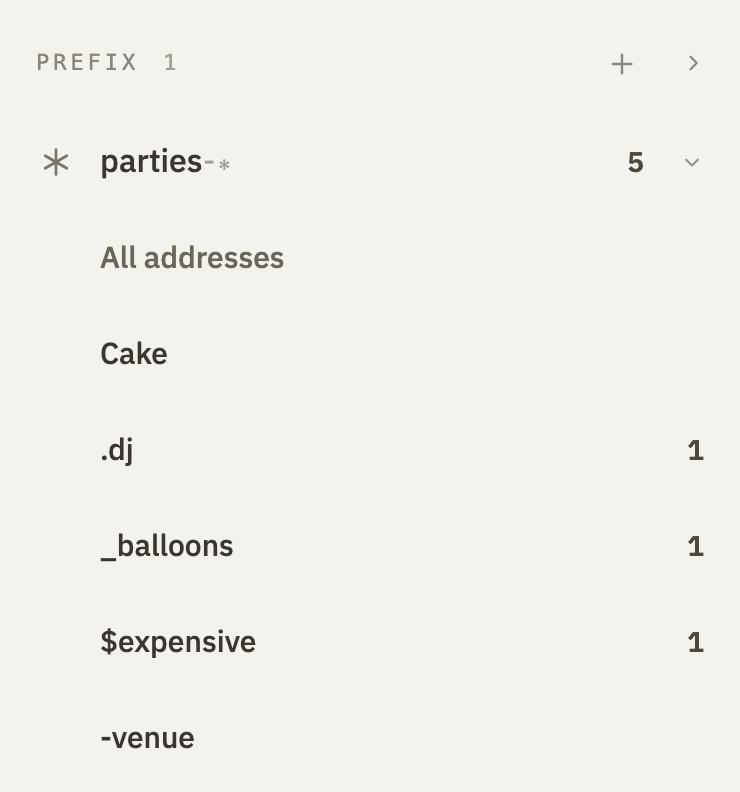
- In the sidebar, under Prefix, select your prefix. Its addresses open under it, each shown by what comes after the prefix.
- Select All addresses to read the mail of all of them, or an address to read only its own.
Good to know
- Each address has its own lock
- Open the address, then its settings, to see who it takes mail from, or to let someone else in.
- Mail to the prefix itself
- Mail to the prefix with nothing after it, such as
parties@yourname.clova.email, is taken from anyone and shown under All addresses. - Up to 50 addresses
- A prefix makes up to 50, and addresses you've deleted count. After that, mail to a new address still arrives under All addresses, from senders whose address can be checked.
- Handing out an address before it's used
- Make a one-sender inbox whose name starts with your prefix. It goes under the prefix, and locks like any one-sender inbox.
- Off is off for all of them
- When a prefix is switched off, or its end date comes, every address under it stops too. How.
Did this help?
Thank you for telling us.