Privacy and security · Guide
Add a recovery email
You sign in with a username, and want a way back in if you ever forget your password or lose your passkeys.
A recovery email is an address at another provider, such as Gmail or Outlook, where Clova can reach you when you can't sign in. Once it's confirmed, you can reset a forgotten password from there. It's for an account with a username: one that signs in with Google or Apple gets back in through them.
Add and confirm it
- Select your name at the foot of the sidebar, or More on a phone, then Profile.
- Type the address in Recovery email. It has to be at another provider, not at Clova.
- Select Save. Clova sends that address a link, and says so under the box.
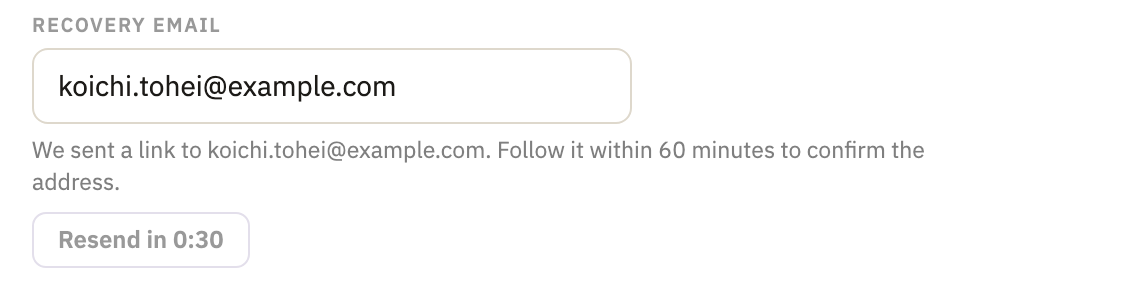
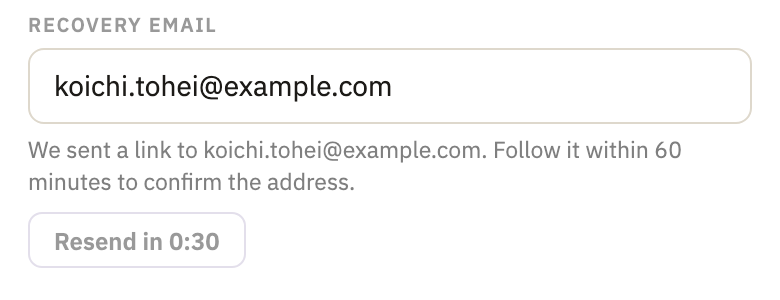
- Open the email “Confirm your recovery email”, and select its link within 60 minutes. The page that opens says Recovery email confirmed.
Your profile then says Confirmed under the box.
Reset a forgotten password
- On the sign-in page, select Forgot your password?
- Type your Username, and select Send reset link.
- Open the email “Reset your password”, and select its link within 15 minutes.
- Type a new password in New password and New password again, and select Set new password. You're signed in, and signed out on every other device.
- The page then shows a recovery code. Tick I have written down my recovery code, and select Go to my mail.
No confirmed recovery email on the account? Then no link is sent: select Write to us on the same page instead.
Change or remove it
In your profile, type another address in Recovery email, or empty the box, and select Save. If the old address was confirmed, Clova writes to it to say it's no longer your recovery email.
Good to know
- Why another provider
- An address at Clova would be in the very mailbox you can't get into.
- What else Clova sends it
- A note when your password is changed, when your passkeys are replaced, and when your forwarding changes.
- How many confirmation emails
- At most 10 a day from one account, and 3 a day to any one address.
Did this help?
Thank you for telling us.